
Featured images gallery






Help customers find the right products and sell more using Shopify’s free Search & Discovery app
A great shopping experience starts with simple search and seamless discovery. Customize search, filtering, and product recommendations, so you can enhance your products’ relevance and sell more. Use the Shopify Search & Discovery app to deliver results for every search and increase average order value with customized recommendations on any product page. Plus, use analytics to understand how customers are navigating your store and help shoppers find what they’re looking for with these insights.
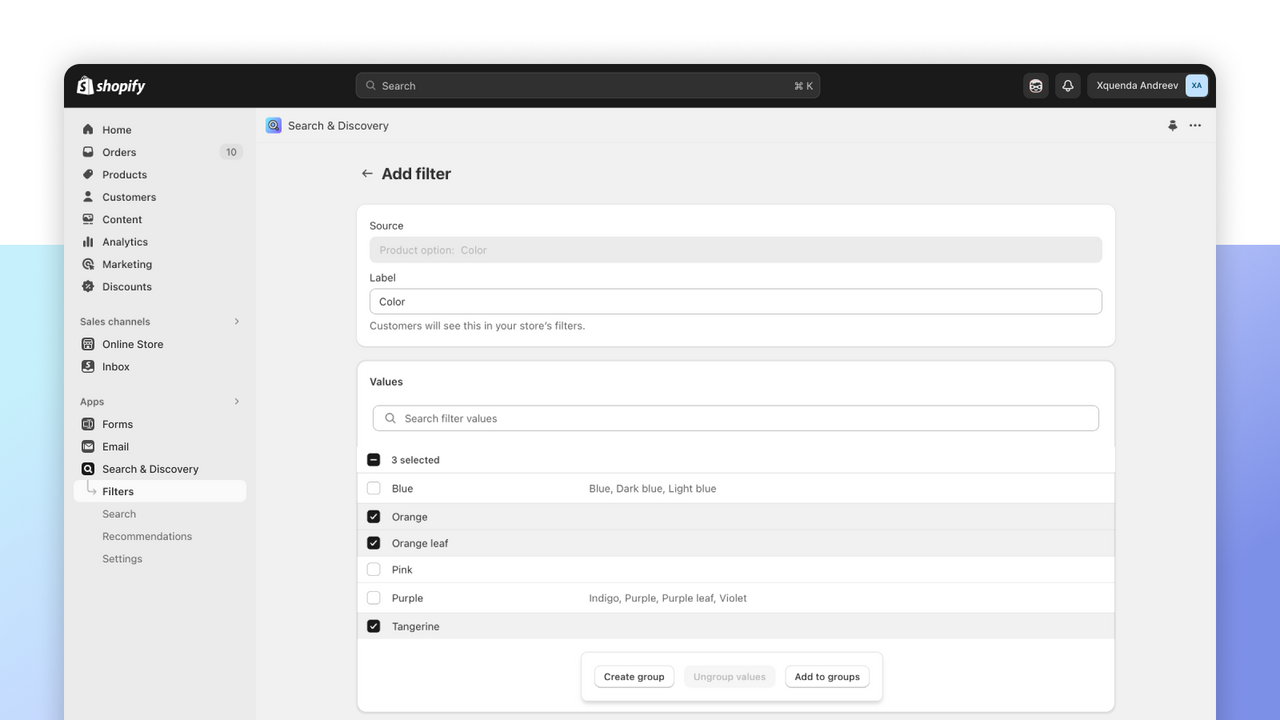
- Customize filters to let shoppers refine their search by multiple categories.
- Make synonym groups, so product descriptions match the terms shoppers use.
- Use product boosts to feature products you want highlighted in search results.
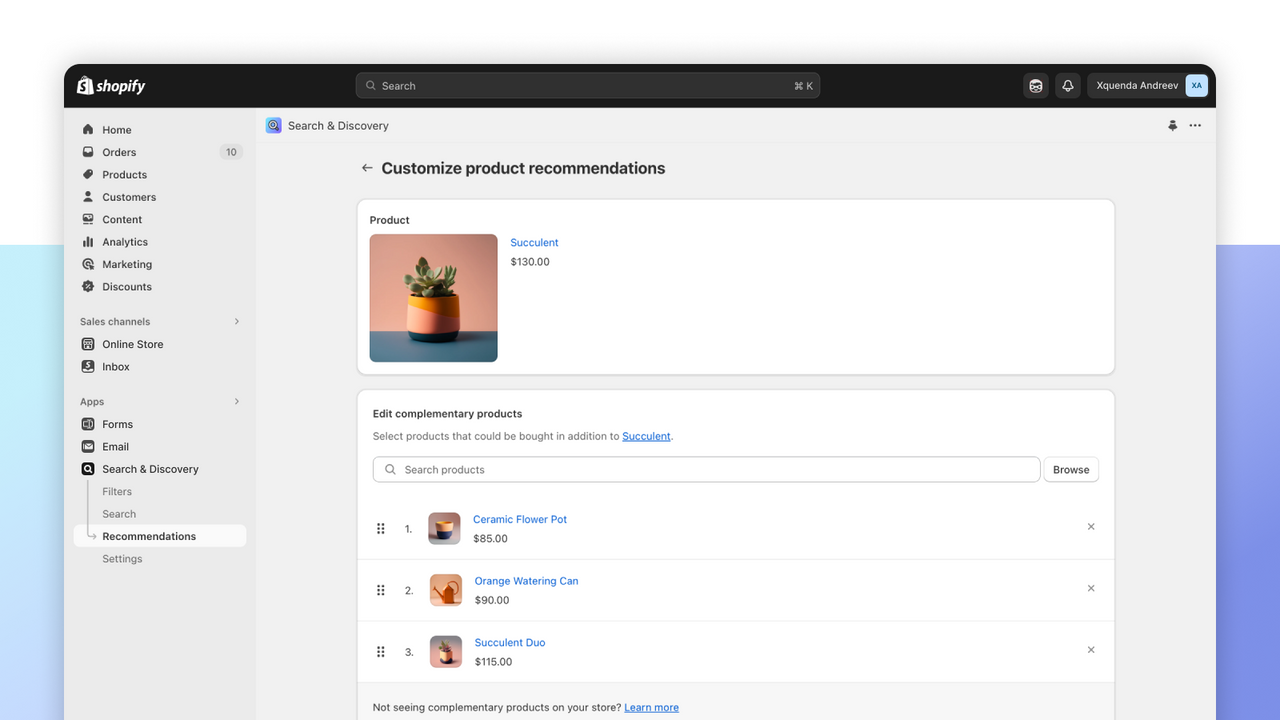
- Add related and complementary products on product detail pages.
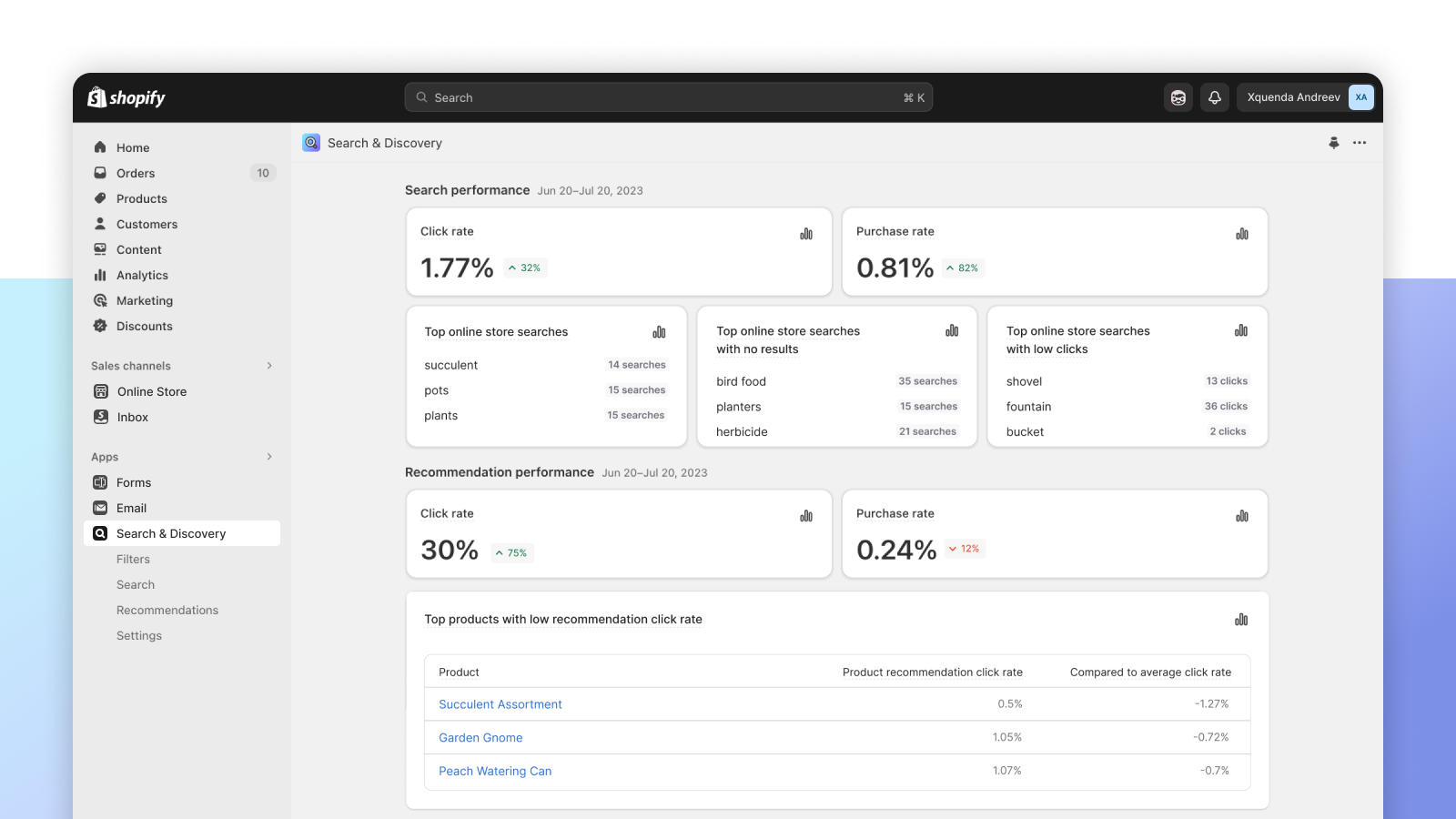
- Access analytics to understand your store’s search and discovery performance.
- Popular with stores like yours
- Based in United States
Languages
English, French, Dutch, Polish, Chinese (Traditional), Chinese (Simplified), Danish, Finnish, German, Italian, Japanese, Korean, Norwegian, Portuguese (Brazil), Portuguese (Portugal), Spanish, Swedish, Thai, Turkish, and Vietnamese
Works with
- Shopify Admin
Categories
Search features
Display customization
Offers and recommendations
Reviews (504)
App is terrible and was not installed by me. A simple search that used to work great now returns hundreds of incorrect results.
Suddenly so much worse than before. It always displays a 1000 products that are completely unrelated to any search terms. Before I could search a specific product model and it only shows those, or search a single SKU it would show only that. Now it is completely useless for us and customers.
there is not option to set the Availability filter to be always on... this makes the app useless when you want to filter for shoe sizes or clothing sizes... as customers click on the shoe size they need but if they don't go and also click available they will see out of stock products...
Support
App support provided by Shopify.
Resources
Launched
July 25, 2022
Data access
This app needs access to the following data to work on your store. Learn why in the developer's privacy policy .
View staff and contributor data:
Store owner, staff members
-
Store owner
Name, email address, phone number, physical address
-
Staff members
Name, email address, phone number
View and edit store data:
Products, staff accounts, Online Store, custom data, other services, other data
-
Edit products
Products, collections
-
View staff accounts
Staff accounts
-
View Online Store
Checking for web cookies and conversion tracking pixels
-
Edit custom data
Metaobject definitions, metaobjects
-
View other services
Apps
-
Edit other data
Discovery API, Online Store search synonyms, Online Store navigation, product recommendations, publications of products on sales channels, staff account private data
Featured in


More apps like this