Galeria de imagens em destaque
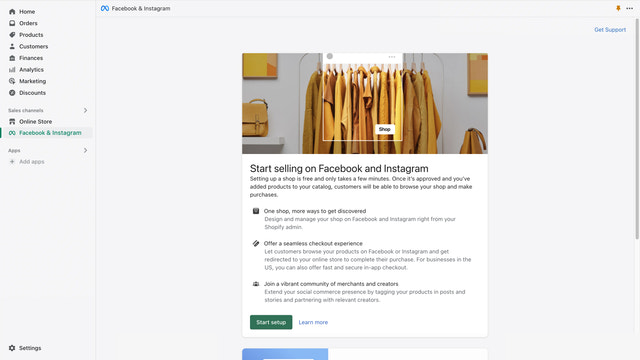
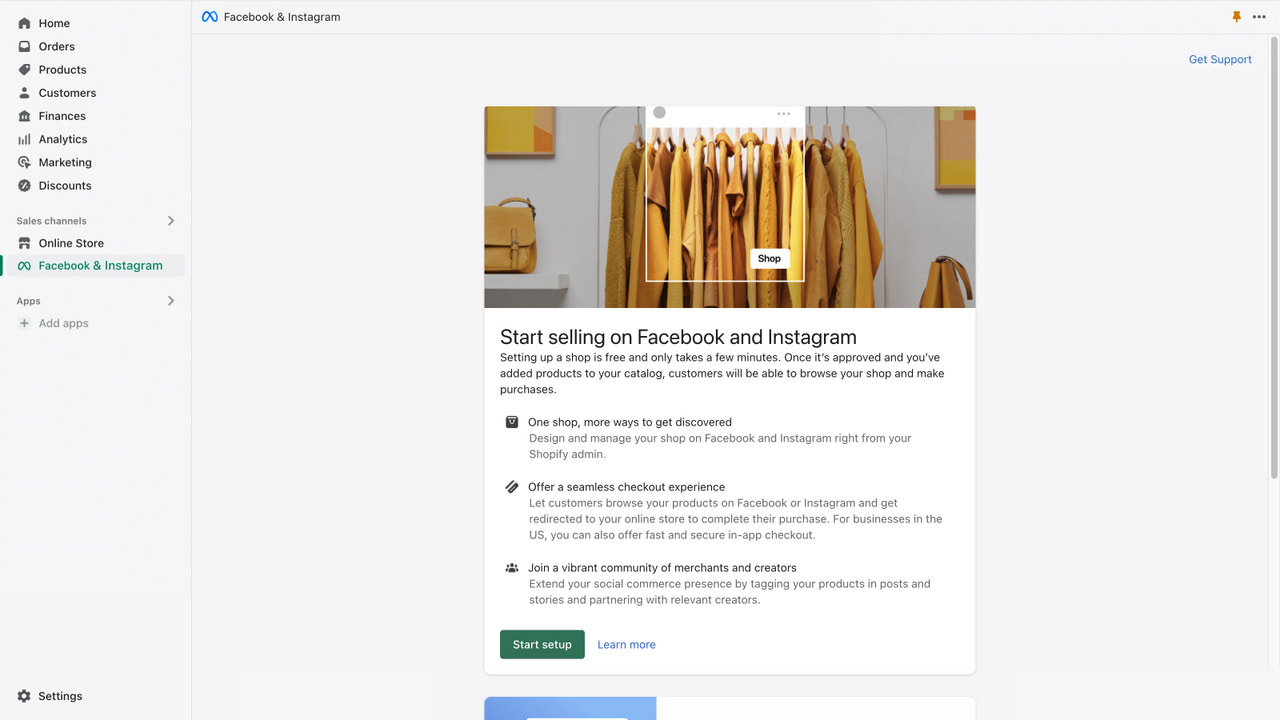
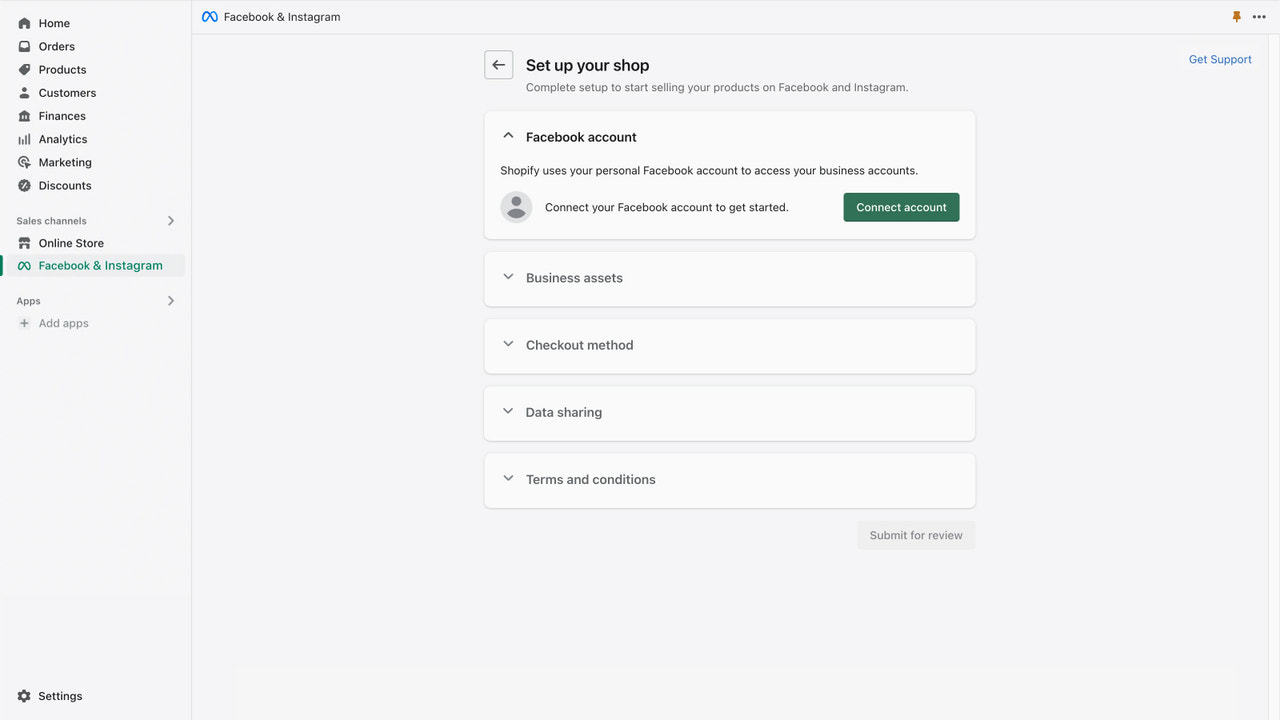
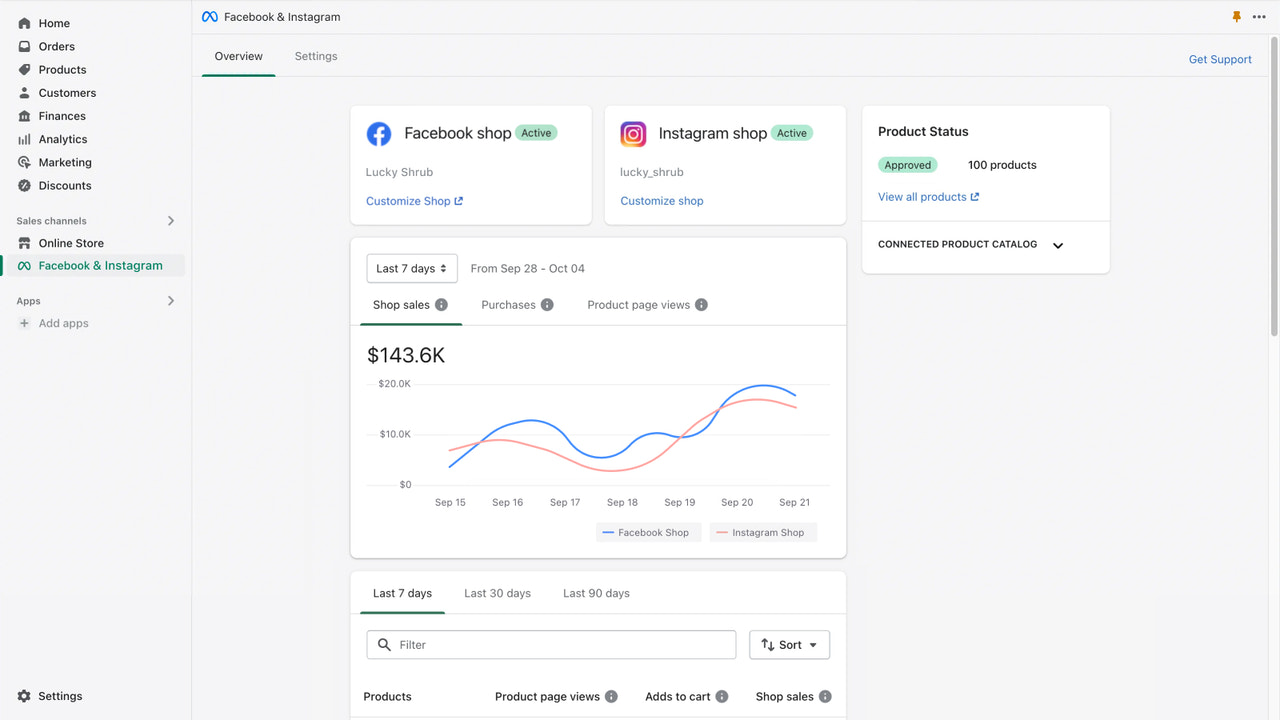
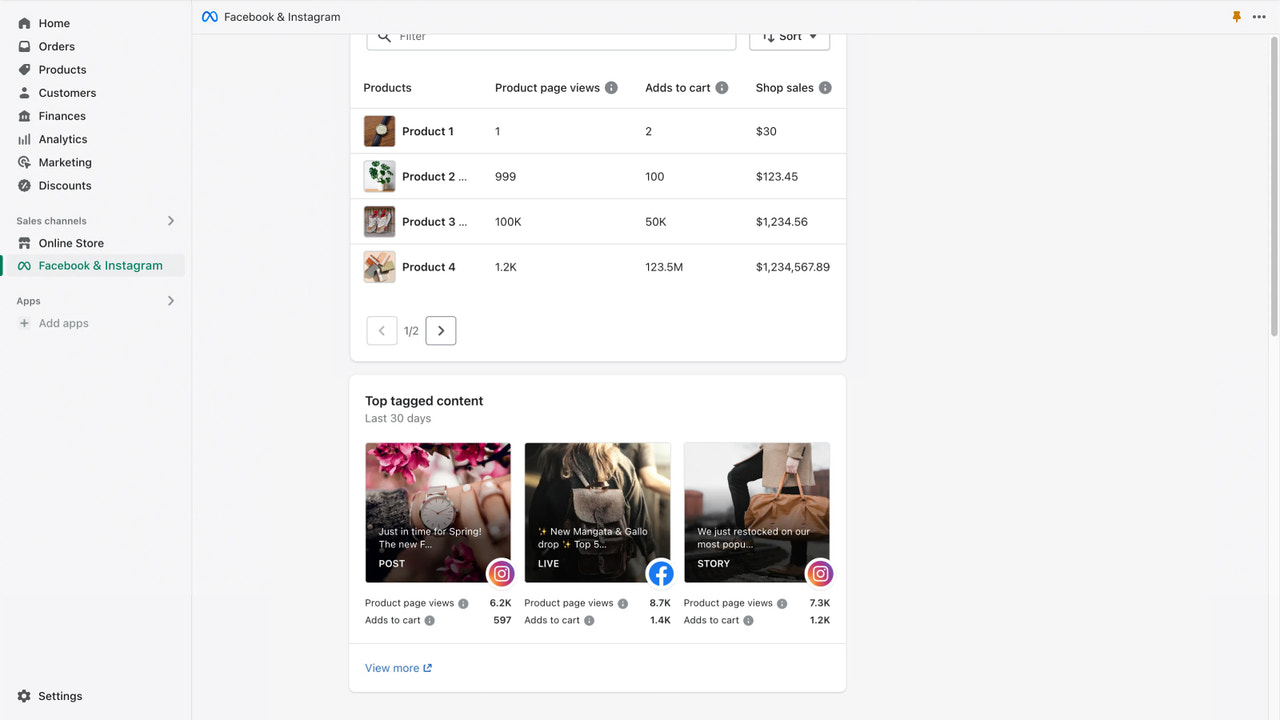
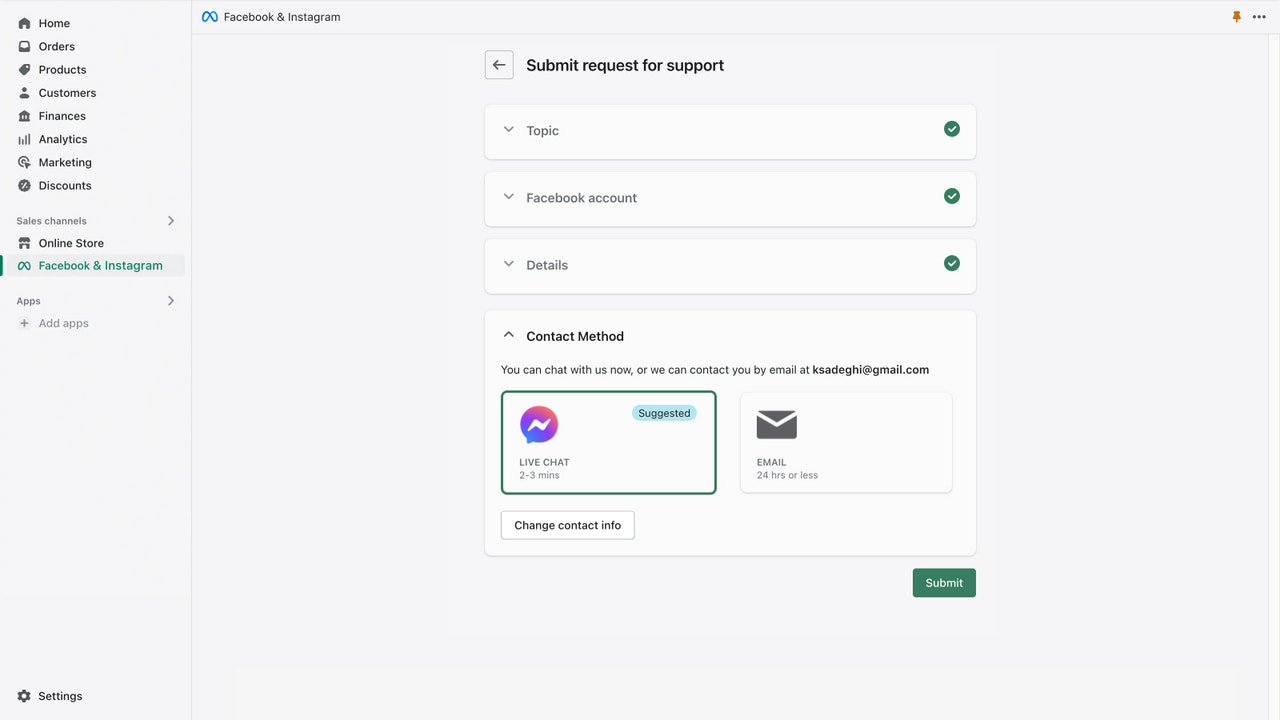
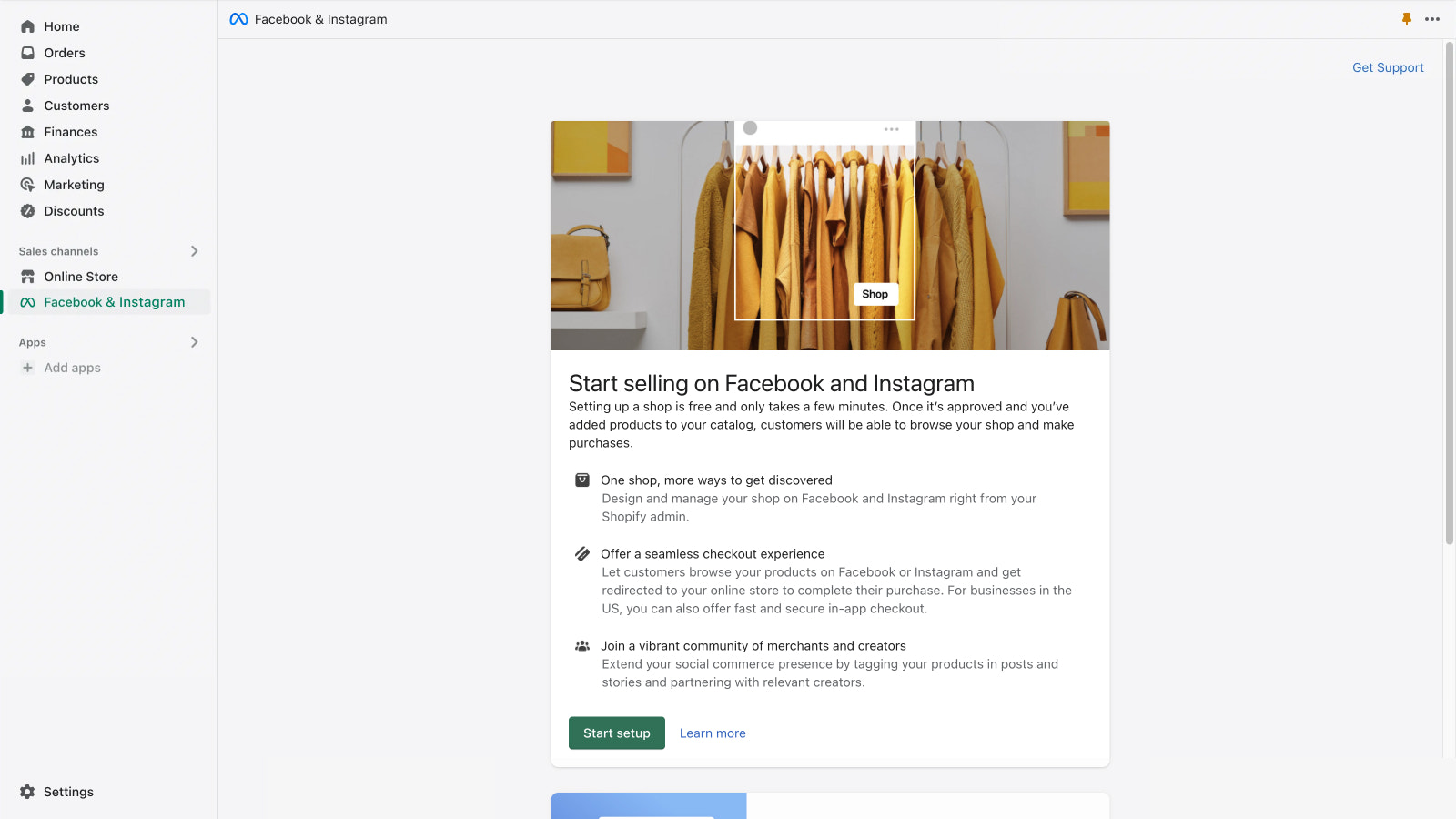


O app oficial da Meta. Gerencie a presença no Facebook e Instagram de forma integrada em um só lugar.
Expanda os negócios no Facebook e Instagram enquanto gerencia pedidos, devoluções e muito mais. Promova os produtos e faça o direcionamento com precisão usando ferramentas avançadas de vendas e marketing. Alcance novos clientes e ofereça uma experiência de compra integrada ao app, da descoberta ao checkout. Sincronize os produtos qualificados de forma automática com a loja do Facebook e Instagram. Assim, é possível vender usando um único estoque enquanto cria anúncios e publicações com opções de compra facilmente onde os clientes estão.
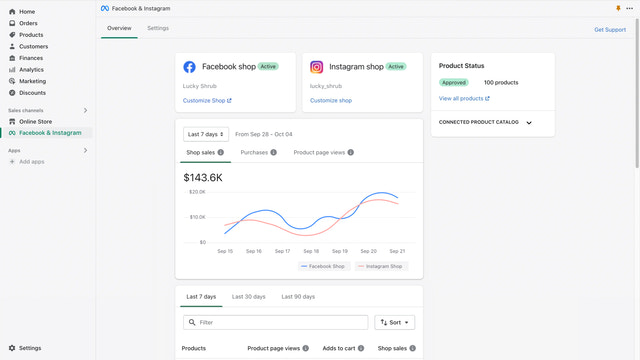
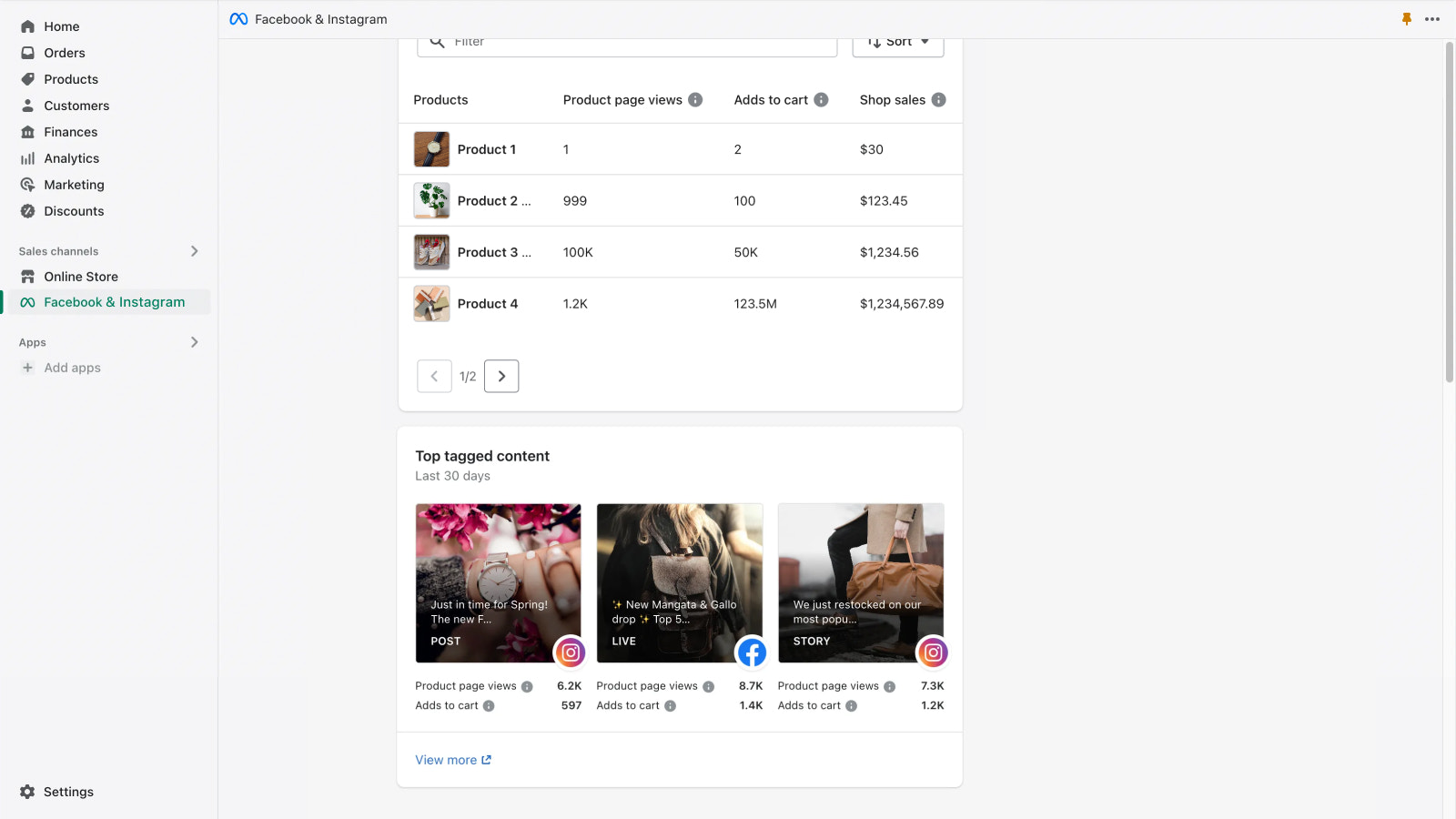
- Receba insights da loja, como os produtos de melhor desempenho e os principais conteúdos marcados
- Melhore o desempenho dos anúncios ao configurar um pixel de conversão
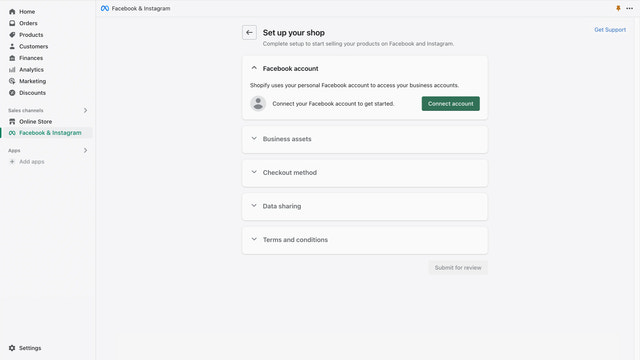
- Configure a loja com facilidade conectando a conta uma única vez
- Venda usando um único estoque sincronizado de forma automática com a loja
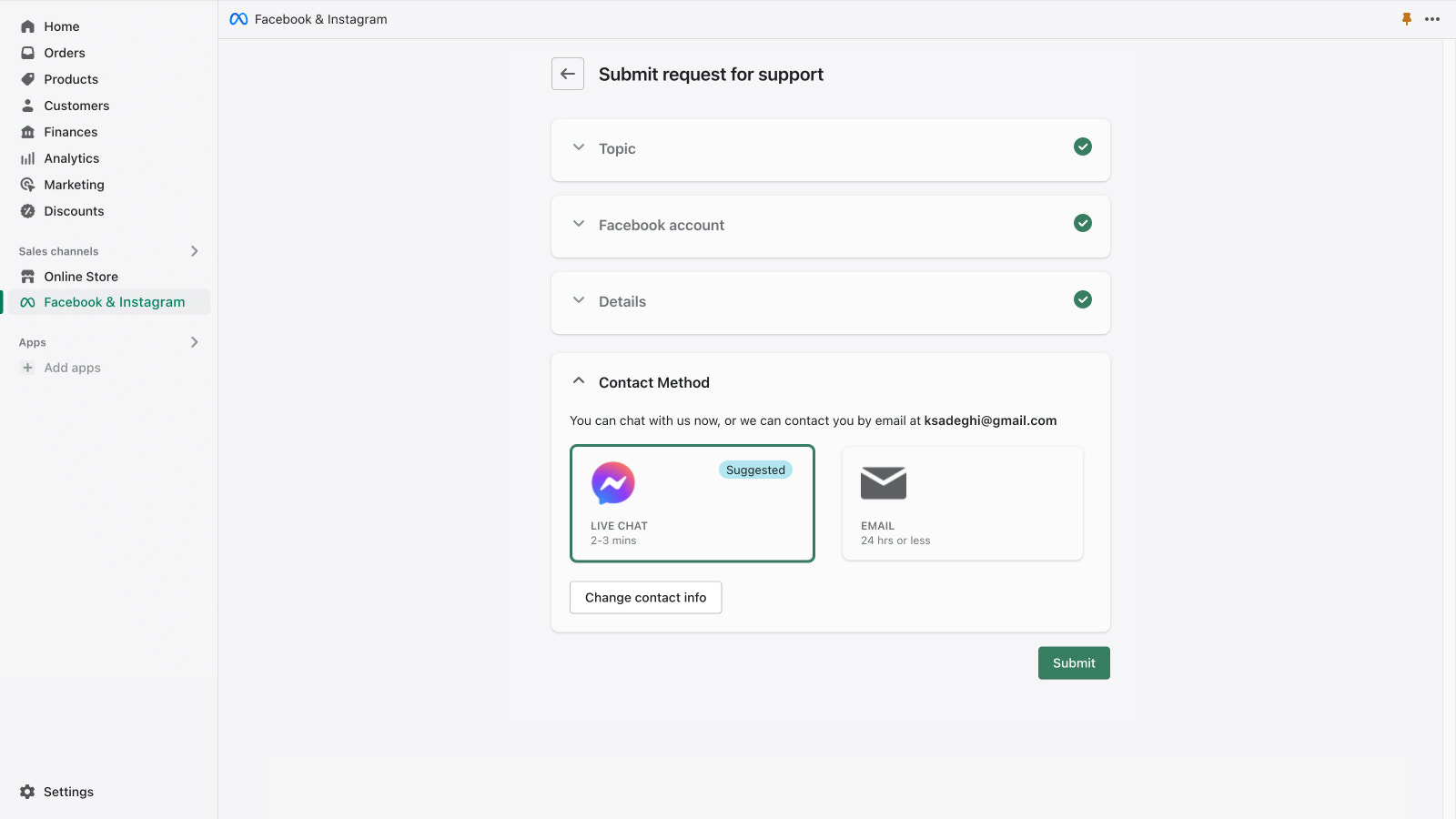
- Receba suporte da Meta por e-mail e chat ao vivo
Contém texto traduzido automaticamente
- Recomendado por lojas como a sua
- Localização: Estados Unidos
Idiomas
inglês, tcheco, dinamarquês, alemão, espanhol, finlandês, francês, italiano, japonês, coreano, norueguês (bokmål), holandês, polonês, português (Brasil), português (Portugal), sueco, tailandês, turco, vietnamita, chinês (simplificado)e chinês (tradicional)
Funciona com
- Checkout
- Admin da Shopify
Categorias
Segmentação
Gerenciamento de campanha
Gerenciamento de listagem
Gerenciamento de pedidos
Preços
Escolha o plano ideal para o negócio.
Grátis
Grátis para instalar
Ao veicular uma campanha, é possível definir o orçamento, e os gastos com publicidade são faturados direto na conta de anúncios do Facebook.
Contém texto traduzido automaticamente
Todas as cobranças são faturadas em USD.
Avaliações (4.898)
the app opens and then sometimes goes on Facebook or instagram page without connecting, then shows as connected but doesn't really connect to shopify store, then shows there is an issue but when I click on it, it goes blank and doesn't show the reason of the issue or error.
(I offer some ad campaign tactics here, but it's a long post. Bear with me!) Setting up FB ads can be tricky because of the lack of consistency in how to get things working properly. There don't seem to be any valid instructions on how to do it, and because the software updates change the layout of their pages so frequently, finding information online about how to do it is unreliable. Get someone who has set them up before to assist, if possible. Once you get the account up and running, use a "top-, mid-, and bottom-of-funnel" tactic for marketing. "Top of funnel" is just to get the name out, mid-funnel is to highlight one or two features, and bottom is to offer a discount to get the sale. When you build your ads, offer them at a low daily budget INSTEAD of what their recommended daily budget is. Their ads algorithm needs time to go through a "data collection" process to optimize when to show your ads to the appropriate audience. Be aware that you may need an ad budget of around $300 or more per month JUST to be able to get the ad campaign to perform. Again, don't use the recommended daily ad budget - figure out your own daily budget and stick to that. What's also nice is that on Facebook, you can look at your competitor's active ad campaigns (click the "transparency" link on their page). (Note that established companies may have a dozen or more active top-of-funnel ads running all at once, or they may only need 1 or 2...it depends on what works best for them.) Have your monthly ad budget determined and be patient: it may take 4-5 weeks for your top-of-funnel ad to collect enough "target audience" data for your ad campaign to be effective with retargeting for mid- and bottom-of-funnel ads. If you stick to your budget, you won't be surprised. BTW - "boosted posts" are a great way to start. Also, don't skip the "Meta Pixel" setup - it's essential for helping your system optimize ad placement and targeting. Good luck.
i am unable to select the catalog language, i have a multi language store (Arabic & English), and it is automatically syncing my catalog in english only. Please add support to pick the language of the catalog or sync both languages.
Atendimento
Atendimento do app oferecido por Meta.
Recursos
Este desenvolvedor não oferece atendimento ao cliente no idioma que você selecionou: Português (brasil).
Desenvolvedor
1101 Dexter Ave N, Seattle, WA, 98122, US
Lançado
4 de outubro de 2018
Em destaque


Mais apps parecidos