Featured images gallery
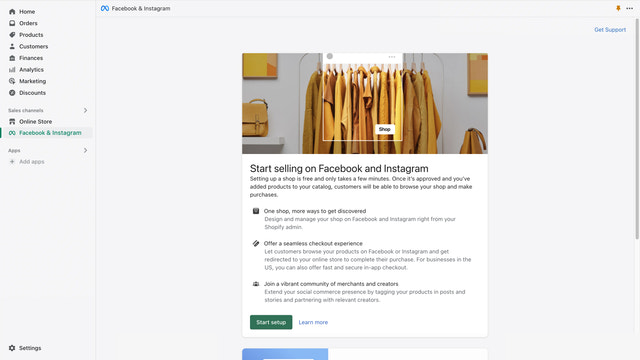
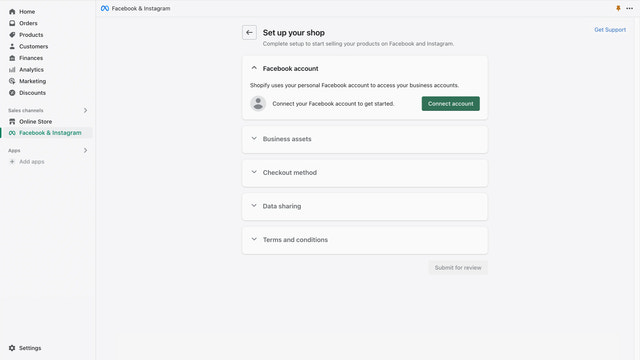
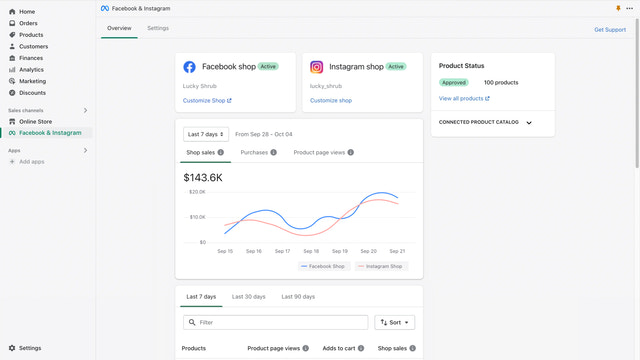
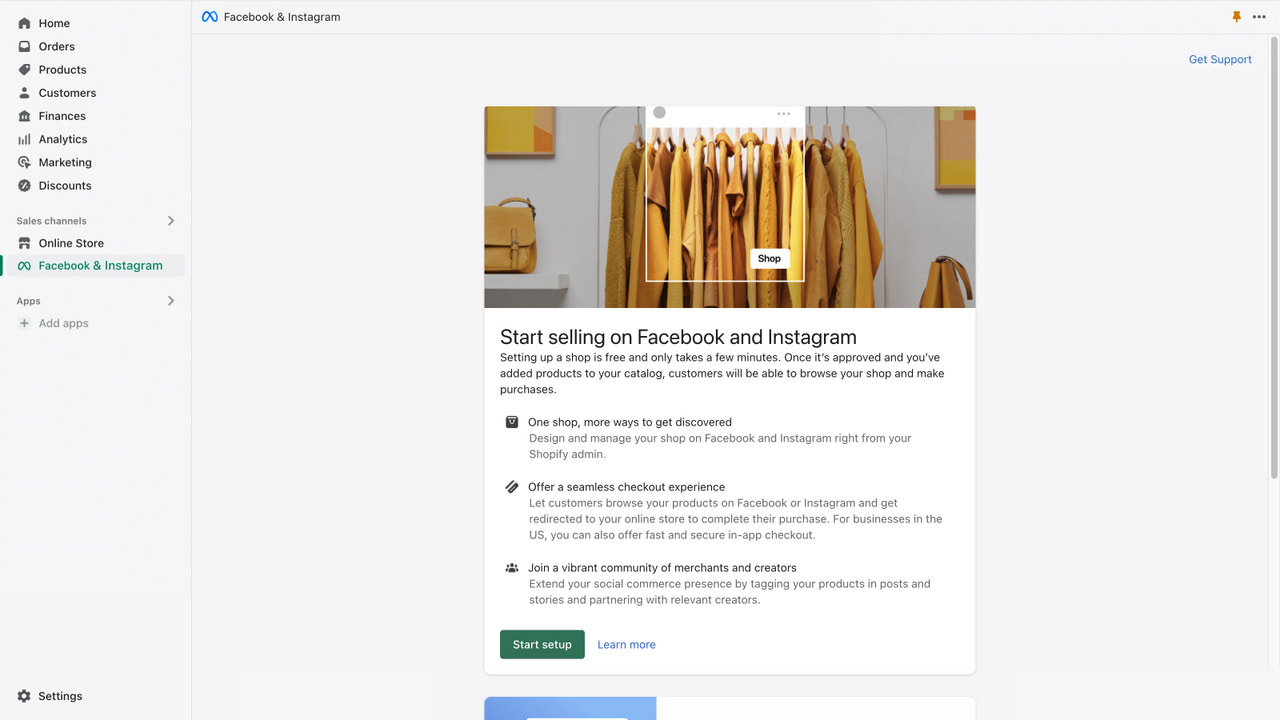


The official app from Meta. Seamlessly manage your Facebook and Instagram presence from one place.
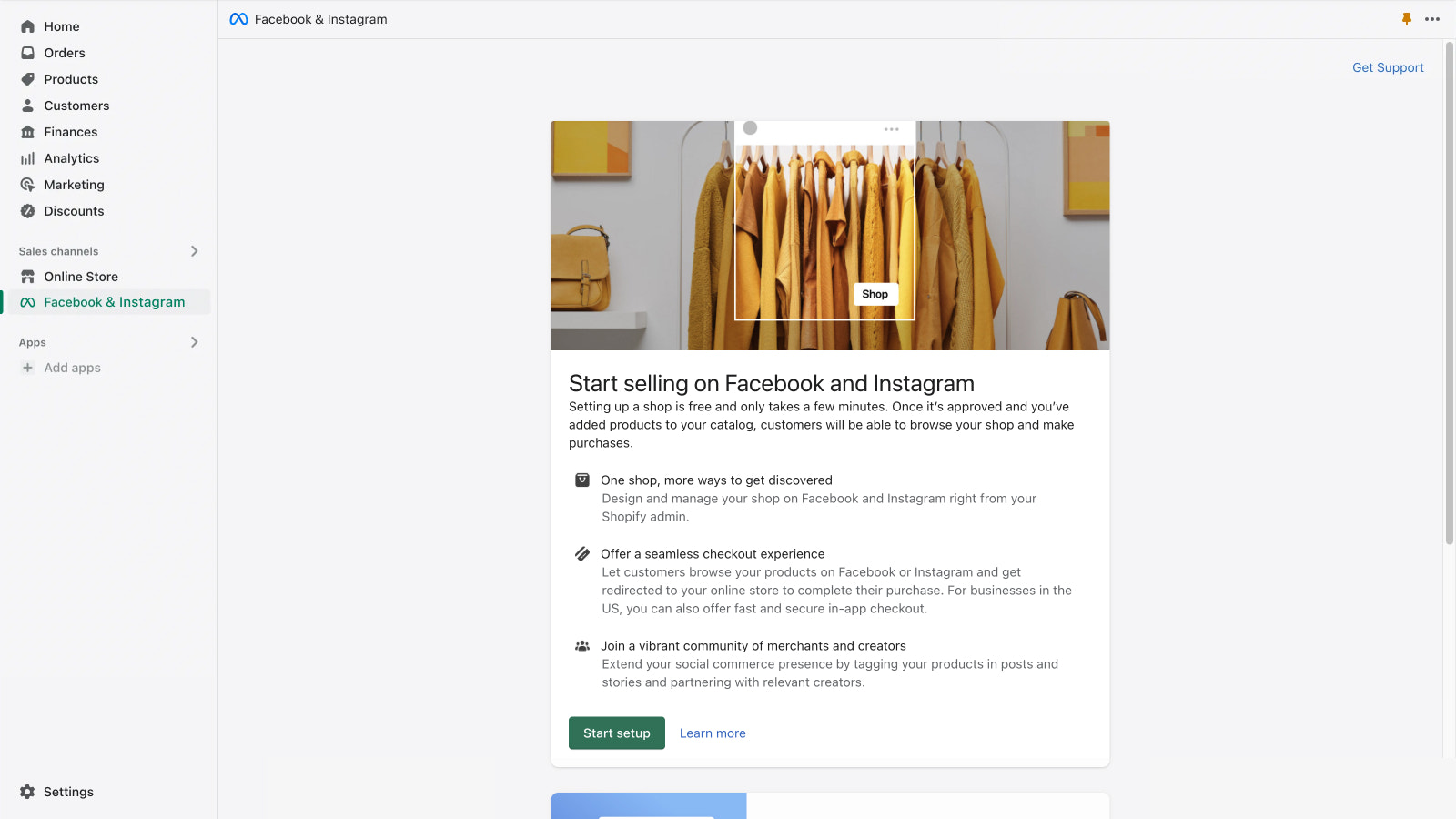
Grow your business on Facebook and Instagram while managing orders, returns and more. Easily promote your products and target accurately using powerful sales and marketing tools. Reach new customers and offer a seamless in-app shopping experience, from discovery to checkout. Automatically sync your eligible products to your Facebook and Instagram shop, so you can sell from one inventory while easily creating ads and shoppable posts right where your customers are.
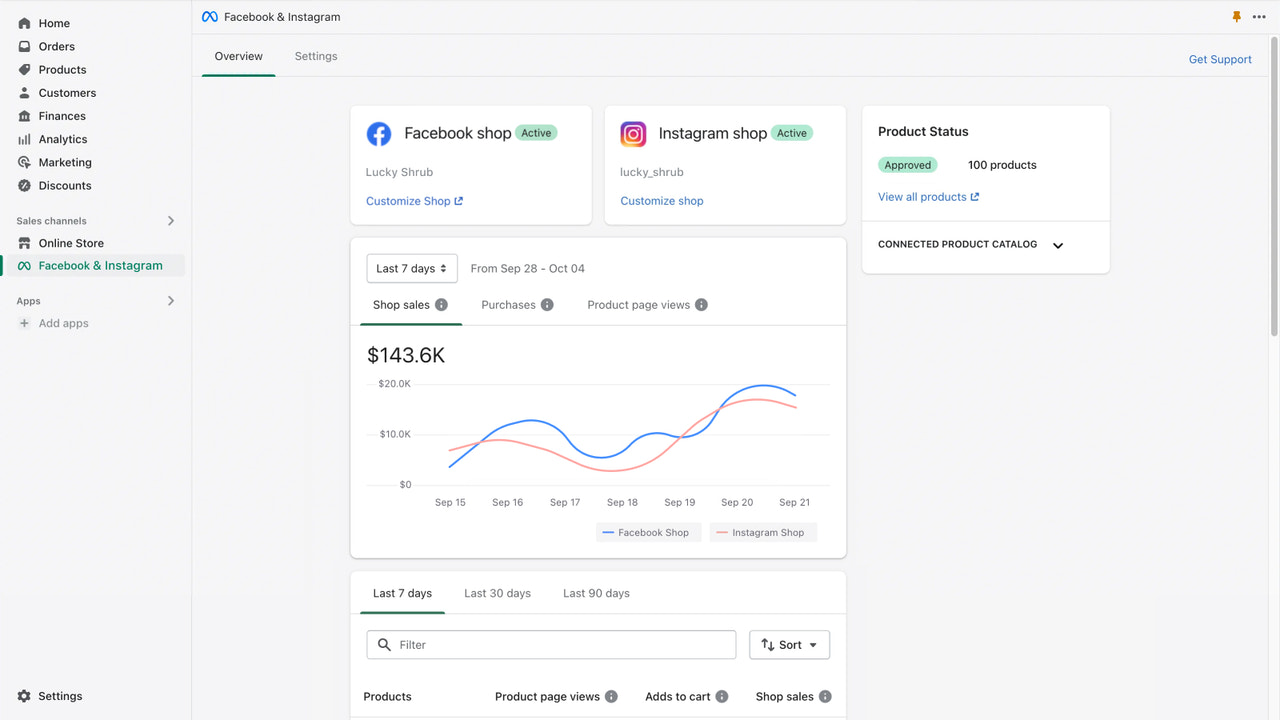
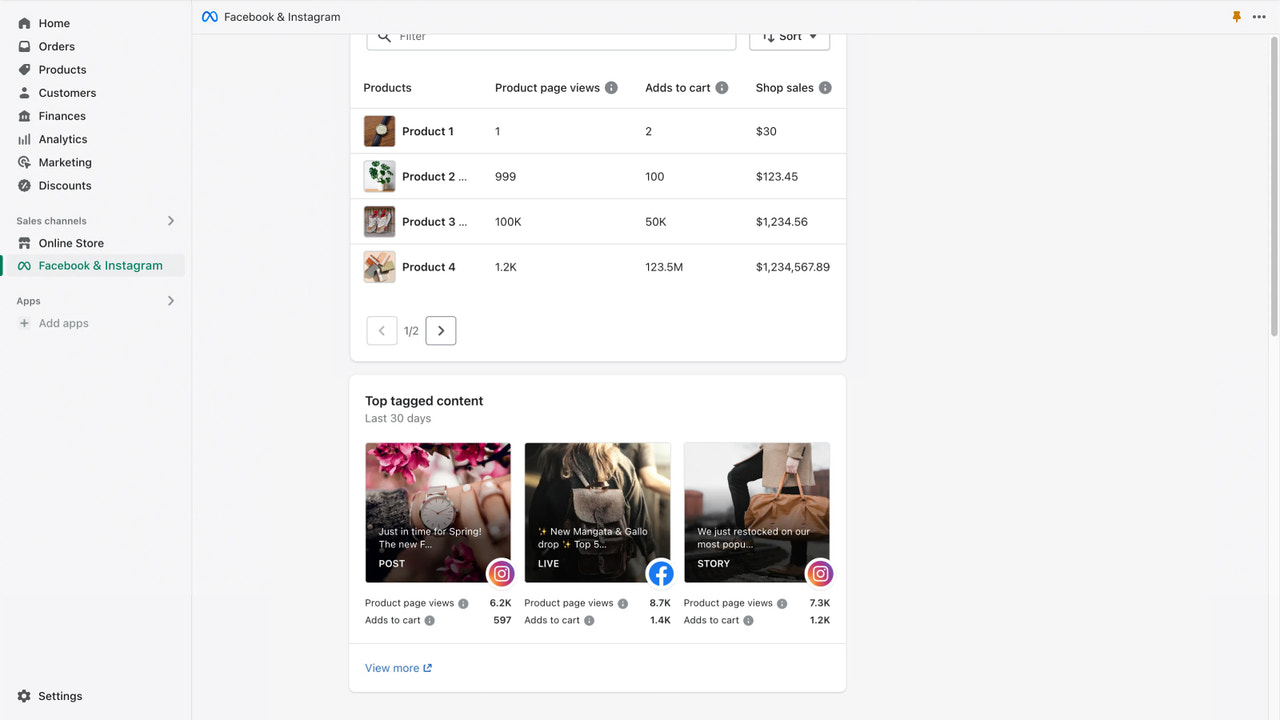
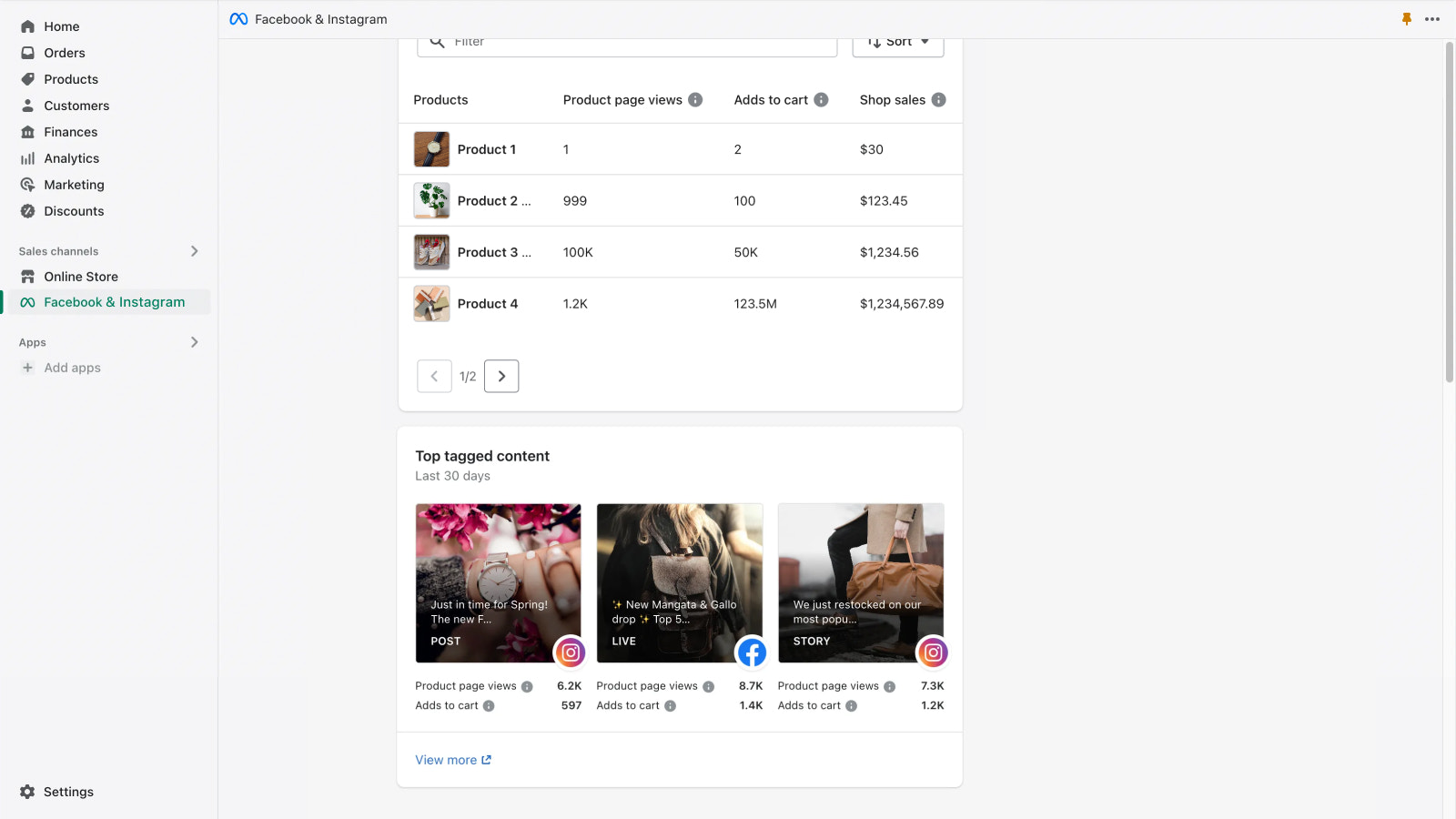
- Get shop insights, including best performing products and top tagged content
- Help drive better ad performance by setting up a conversion pixel
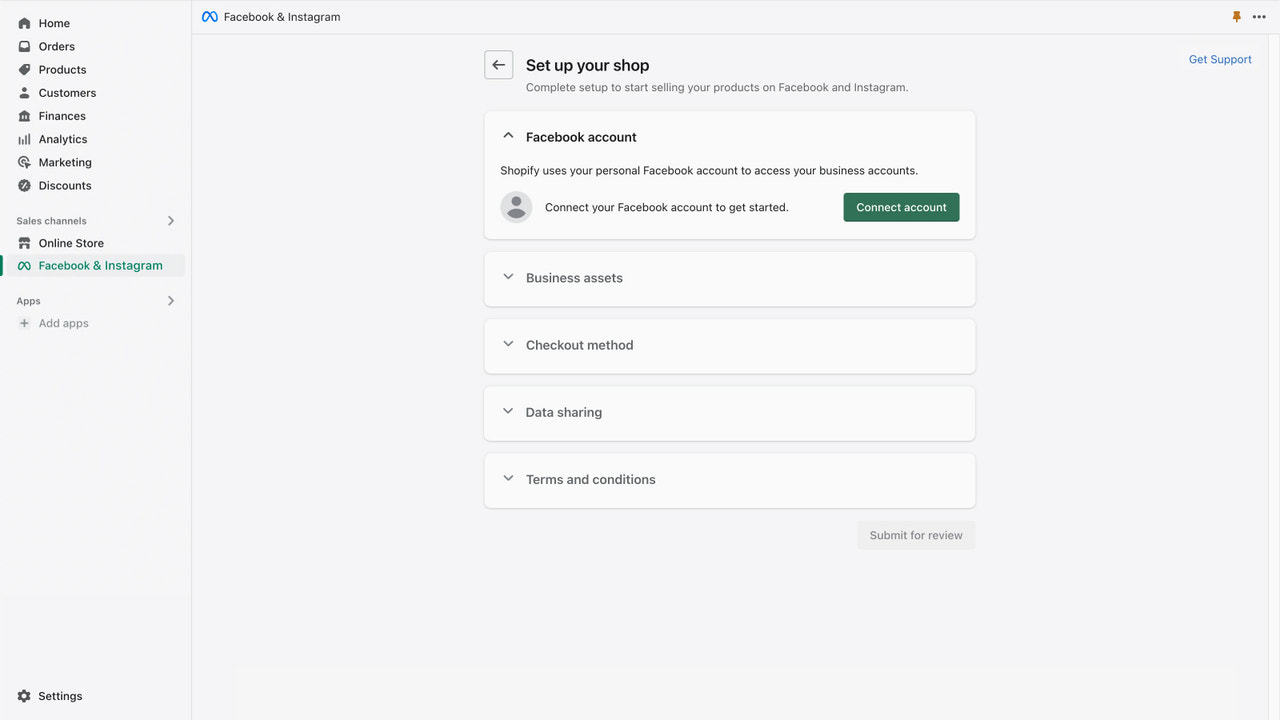
- Easily set up your shop with a one-time account connection
- Sell from one inventory that automatically syncs to your shop
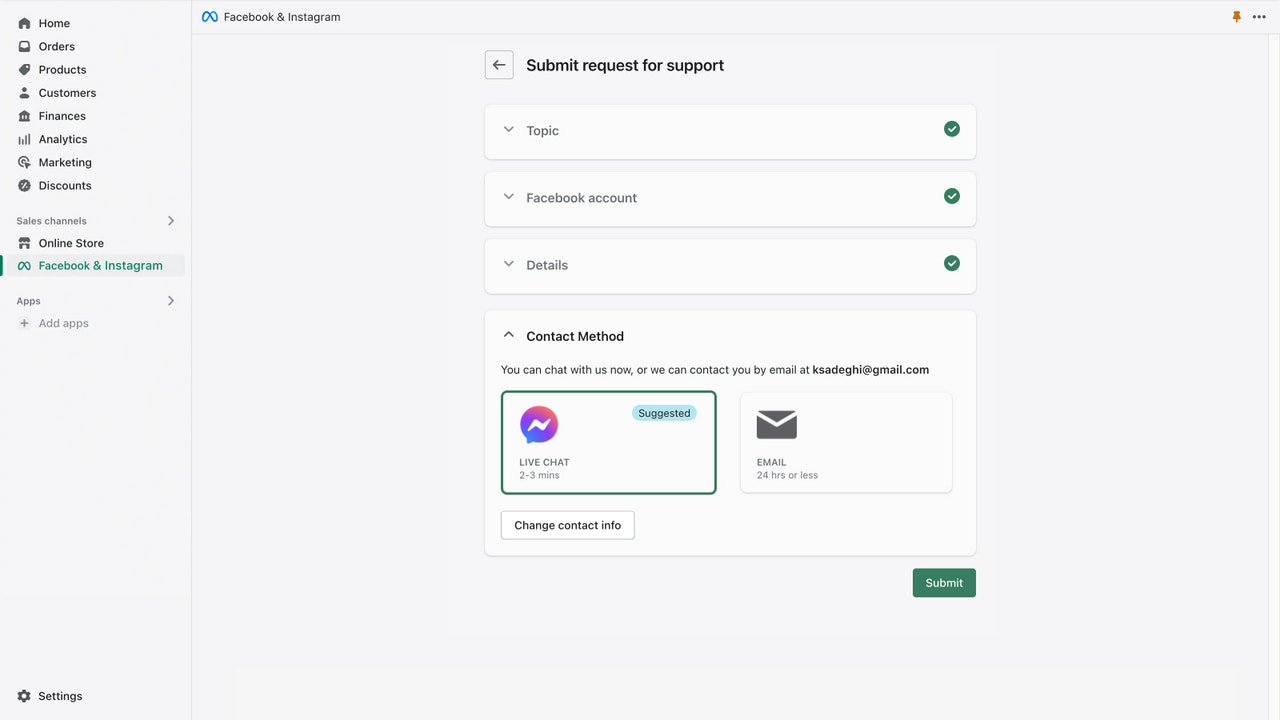
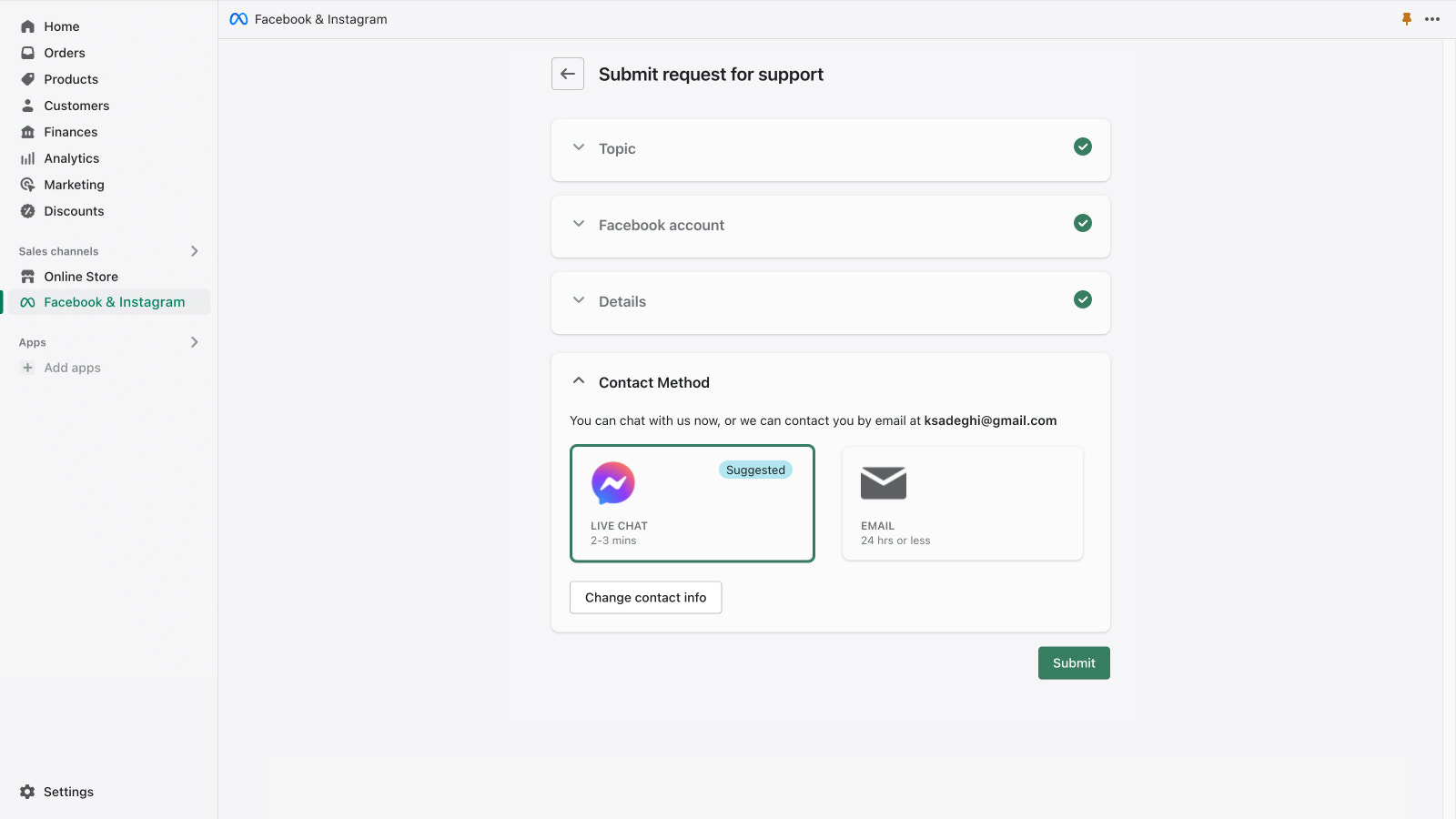
- Get email and live chat support from Meta
- Popular with stores like yours
- Based in United States
Languages
English, Czech, Danish, German, Spanish, Finnish, French, Italian, Japanese, Korean, Norwegian (Bokmål), Dutch, Polish, Portuguese (Brazil), Portuguese (Portugal), Swedish, Thai, Turkish, Vietnamese, Chinese (Simplified), and Chinese (Traditional)
Works with
- Checkout
- Shopify Admin
Categories
Targeting
Campaign management
Listing management
Order management
Pricing
Choose the plan that best fits your business.
Free
Free to install
When you run a campaign, you set the budget and the ad spend is billed directly to your Facebook ad account.
All charges are billed in USD.
Reviews (4,863)
(I offer some ad campaign tactics here, but it's a long post. Bear with me!) Setting up FB ads can be tricky because of the lack of consistency in how to get things working properly. There don't seem to be any valid instructions on how to do it, and because the software updates change the layout of their pages so frequently, finding information online about how to do it is unreliable. Get someone who has set them up before to assist, if possible. Once you get the account up and running, use a "top-, mid-, and bottom-of-funnel" tactic for marketing. "Top of funnel" is just to get the name out, mid-funnel is to highlight one or two features, and bottom is to offer a discount to get the sale. When you build your ads, offer them at a low daily budget INSTEAD of what their recommended daily budget is. Their ads algorithm needs time to go through a "data collection" process to optimize when to show your ads to the appropriate audience. Be aware that you may need an ad budget of around $300 or more per month JUST to be able to get the ad campaign to perform. Again, don't use the recommended daily ad budget - figure out your own daily budget and stick to that. What's also nice is that on Facebook, you can look at your competitor's active ad campaigns (click the "transparency" link on their page). (Note that established companies may have a dozen or more active top-of-funnel ads running all at once, or they may only need 1 or 2...it depends on what works best for them.) Have your monthly ad budget determined and be patient: it may take 4-5 weeks for your top-of-funnel ad to collect enough "target audience" data for your ad campaign to be effective with retargeting for mid- and bottom-of-funnel ads. If you stick to your budget, you won't be surprised. BTW - "boosted posts" are a great way to start. Also, don't skip the "Meta Pixel" setup - it's essential for helping your system optimize ad placement and targeting. Good luck.
i am unable to select the catalog language, i have a multi language store (Arabic & English), and it is automatically syncing my catalog in english only. Please add support to pick the language of the catalog or sync both languages.
les produit ne s afichent pas sur facebook et ca beug sur instagram
Support
App support provided by Meta.
Featured in


More apps like this