
Galleria immagini in evidenza
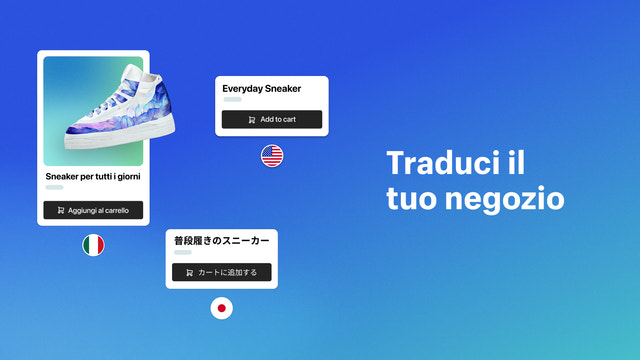

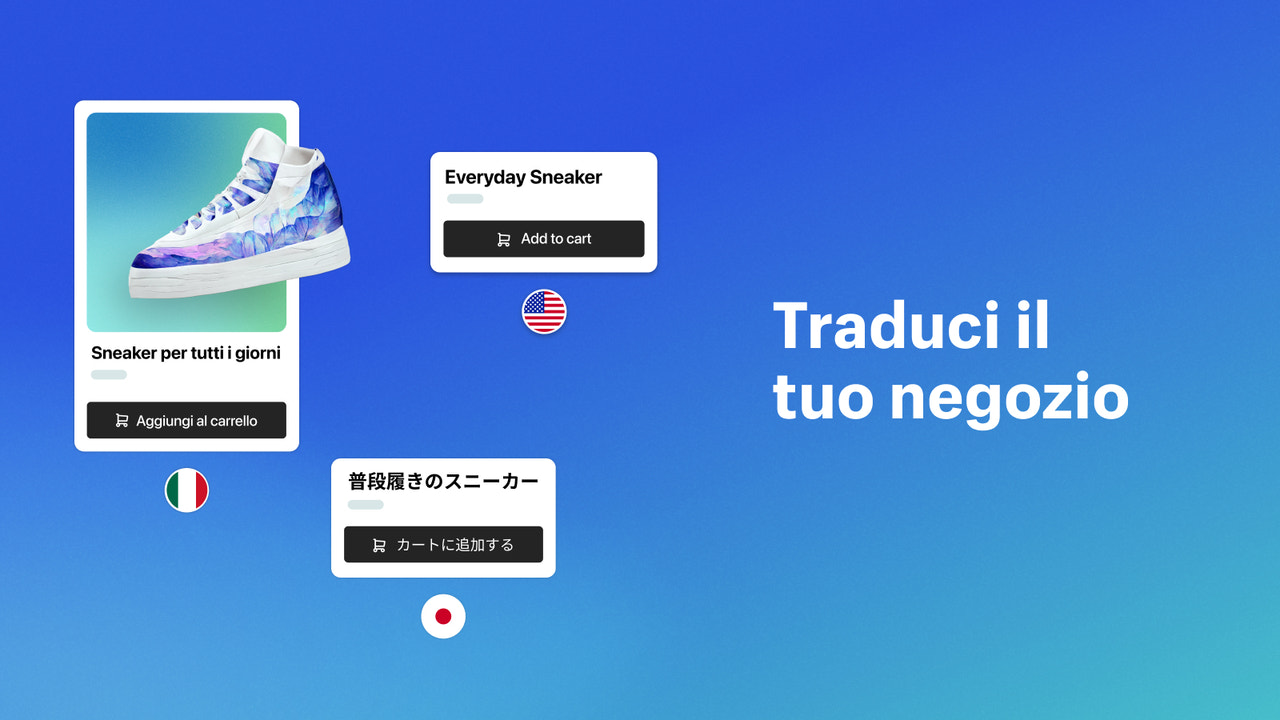



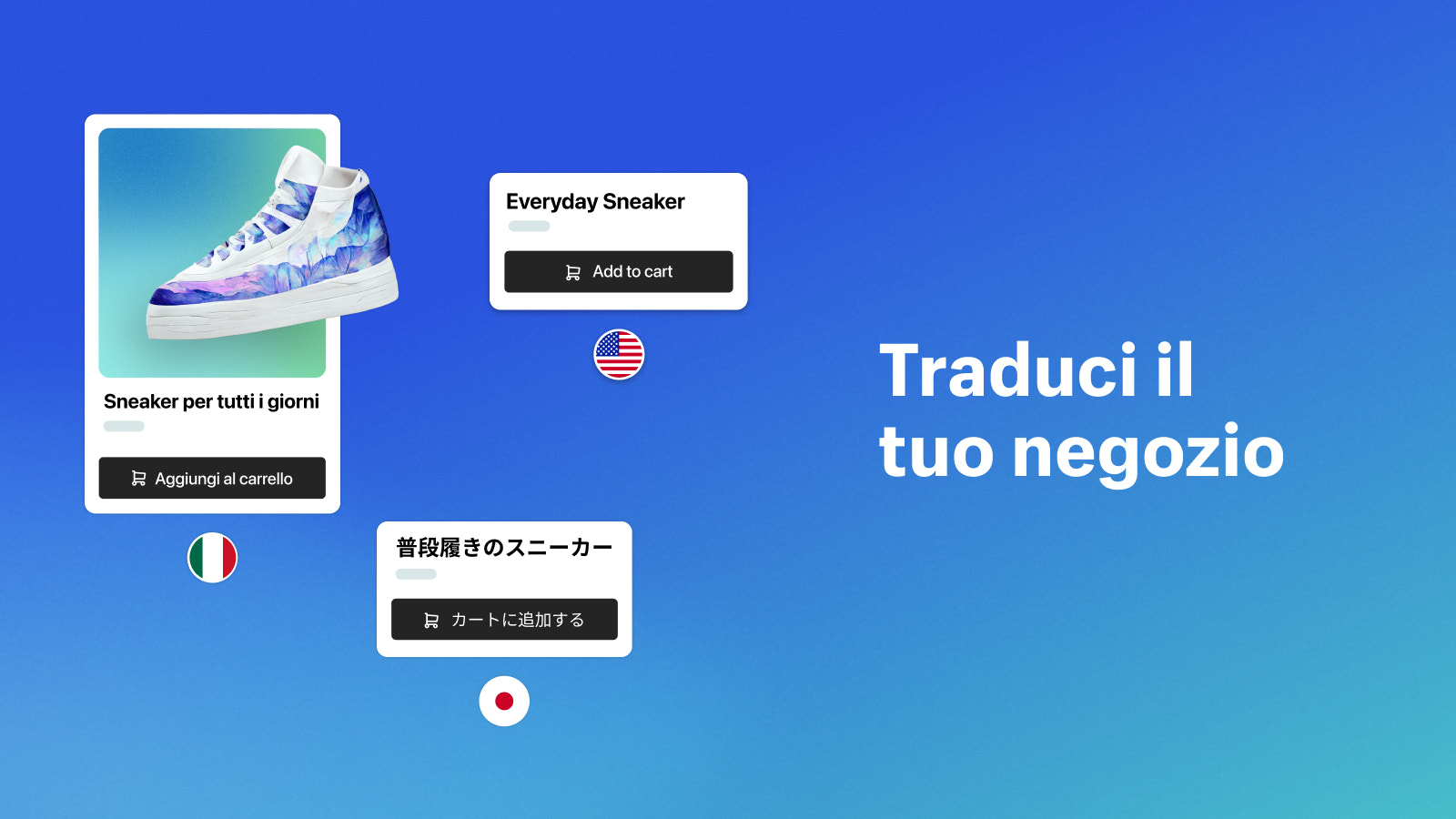


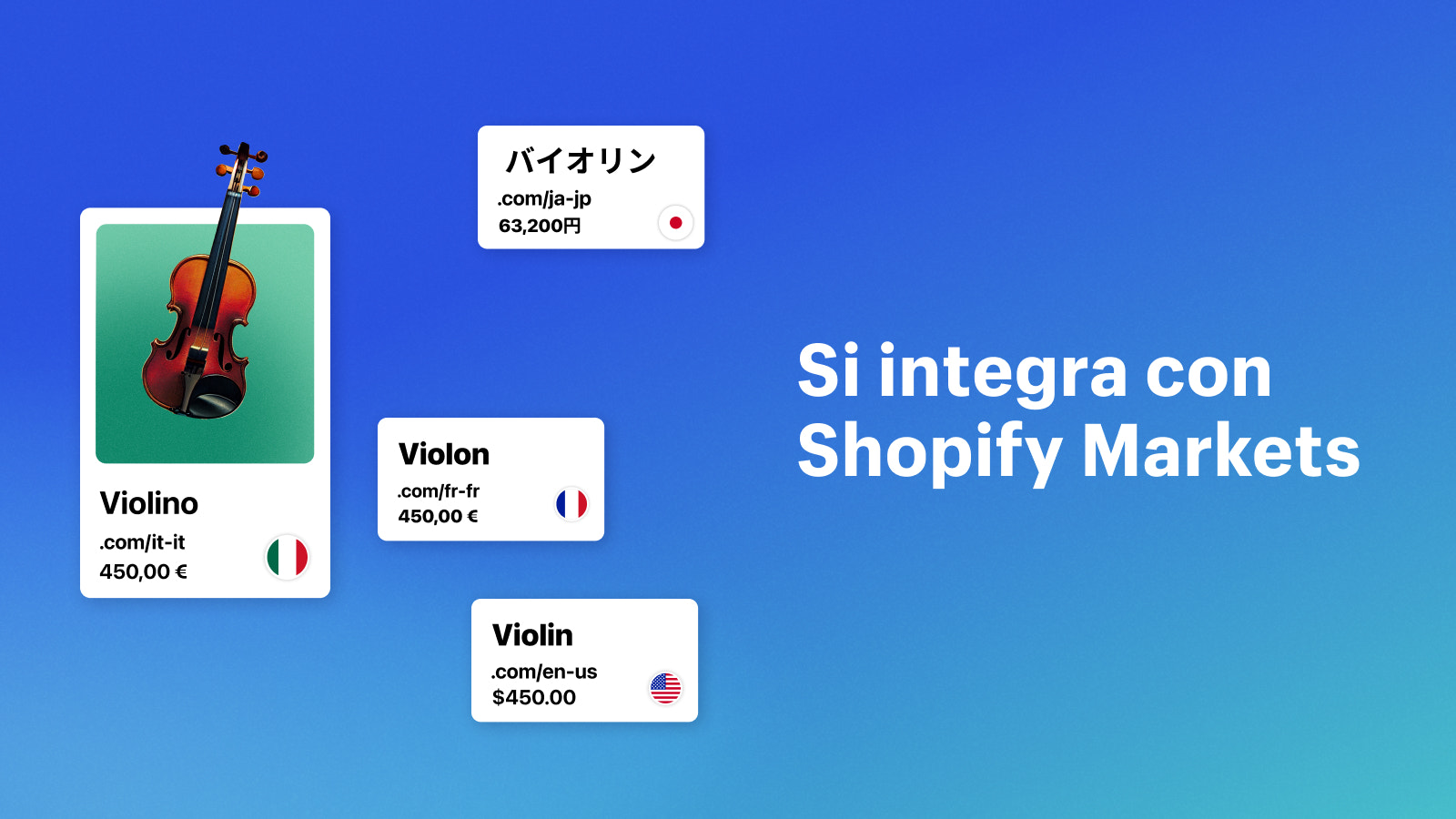
Parla la lingua di ogni cliente. È facile tradurre e adattare a più mercati i contenuti del negozio.
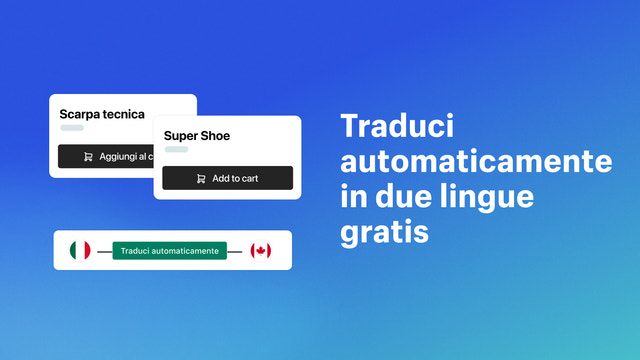
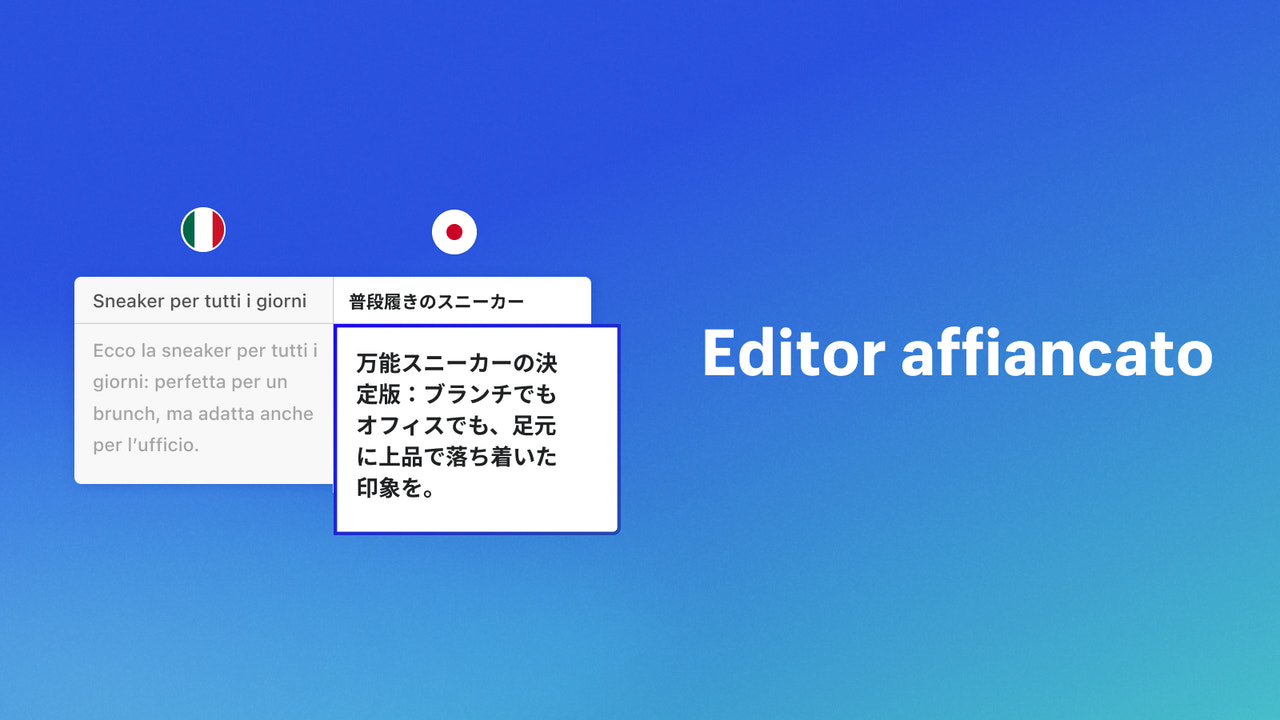
Incrementa il traffico, migliora la SEO e conquista la fiducia dei clienti globali localizzando il tuo negozio Shopify per diversi mercati. Translate & Adapt ti permette di tradurre automaticamente fino a due lingue gratis e di aggiungere tutte le traduzioni manuali che desideri. L’editor affiancato rende facile confrontare e rivedere le traduzioni. Puoi usarlo anche per modificare i contenuti destinati a mercati con la stessa lingua, adattandoli alla cultura, alla stagione e al contesto locale.
- Aggiungi, modifica e rivedi manualmente le traduzioni con l’editor affiancato
- Traduci in 2 lingue con Google Translate (cloud.google.com/translate)
- Adatta i testi alle convenzioni ortografiche e terminologiche locali
- Localizza il negozio tramite l’editor del tema o da qualsiasi pagina risorse
- Gestisci facilmente i contenuti localizzati dal pannello di controllo Shopify
- App più diffuse tra i negozi simili al tuo
- Con sede negli Stati Uniti
Lingue
Cinese (semplificato). Cinese (tradizionale). Ceco. Danese. Olandese. Inglese. Finlandese. Francese. Tedesco. Italiano. Giapponese. Coreano. norvegese. Polacco. Portoghese (Brasile). Portoghese (Portogallo). Spagnolo. Svedese. Tailandese. Turco. Vietnamita. bulgaro. bengalese. catalano. greco. estone. basco. galiziano. gujarati. Hindi. croato. ungherese. indonesiano. georgiano. lituano. lettone. marathi. Malese. Norvegese (Bokmål). rumeno. russo. slovacco. sloveno. serbo. tamil. telugue ucraino
Funziona con
- Pannello di controllo Shopify
Recensioni (1.394)
Komischerweise springt meine Sprache, wenn ich auf meine Produkt klicke, automatisch von deutsch auf englisch, obwohl ich die Sprache nicht manuell geändert habe. Irgendwie kann da was nicht stimmen.
Depuis cette semaine 18/09/2026, l'application ne traduit plus les variantes de couleur !! Inadmissible...
After spending 12 hours trying to resolve this with Shopify Support, I was ultimately told to translate the email manually.
The problem is that Translate & Adapt does not use the customized email template I created. Instead, it keeps pulling the original Shopify template. This is clearly a bug or, at the very least, a serious inconsistency in how the two systems work together.
There is absolutely no reason for Translate & Adapt to use an outdated/original template when the customized version is the one currently configured in Shopify. The support team should be fixing the underlying issue instead of asking customers to manually translate everything as a workaround.
Very frustrating experience, especially after spending 12 hours with support.
Assistenza
Assistenza per l’app fornita da Shopify.
Risorse
Questo sviluppatore non offre assistenza diretta in Italiano.
Sviluppatore
151 O’Connor St, Ottawa, ON, ON, CA
Lanciata
16 agosto 2022
Accesso ai dati
Questa app deve accedere ai seguenti dati per funzionare con il tuo negozio. Scopri perché su informativa sulla privacy degli sviluppatori.
Visualizza dati di staff e collaboratori:
Proprietario del negozio, collaboratori del blog
-
Proprietario del negozio
Nome, indirizzo email, numero di telefono, indirizzo fisico
-
Collaboratori del blog
Indirizzo email, indirizzo IP, browser e sistema operativo
Visualizza e modifica i dati del negozio:
Prodotti, ordini, rollout, Negozio online, dati personalizzati, Pannello di controllo Shopify, altri servizi
-
Modifica prodotti
Prodotti, collezioni
-
Visualizza ordini
Informazioni sul profilo di consegna e sul gruppo di sedi assegnate all'app
-
Visualizza rollout
Rollout
-
Modifica Negozio online
Pagine del Negozio online, controllo di cookie web e pixel di monitoraggio delle conversioni, tema
-
Modifica dati personalizzati
Definizioni dei metaobject, metaobject
-
Visualizza il pannello di controllo Shopify
File, informative legali, impostazioni sulla privacy
-
Visualizza altri servizi
App
-
Modifica altri dati
Configurazioni di check-out e degli account, impostazioni locali, Impostazioni di Shopify Markets, impostazioni di notifica, Navigazione del Negozio online, regole di spedizione, immagini, traduzioni
In primo piano


Altre app come questa


Soddisfa i nostri più elevati standard in termini di performance, design e integrazione. Maggiori informazioni Si apre in una nuova finestra

Soddisfa i nostri più elevati standard in termini di performance, design e integrazione. Maggiori informazioni Si apre in una nuova finestra