


Magical Custom Fields & Upload
Meets our highest standards for performance, design, and integration. Learn moreOpens in new window
- Pricing
-
From $2.99/month. Free trial available.
- Popular with stores like yours
- Based in United States
- Rating
- 5.0 (74)
- Developer
- Magical Apps
Featured images gallery


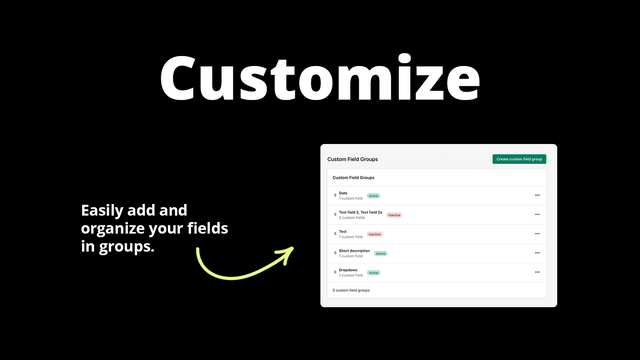


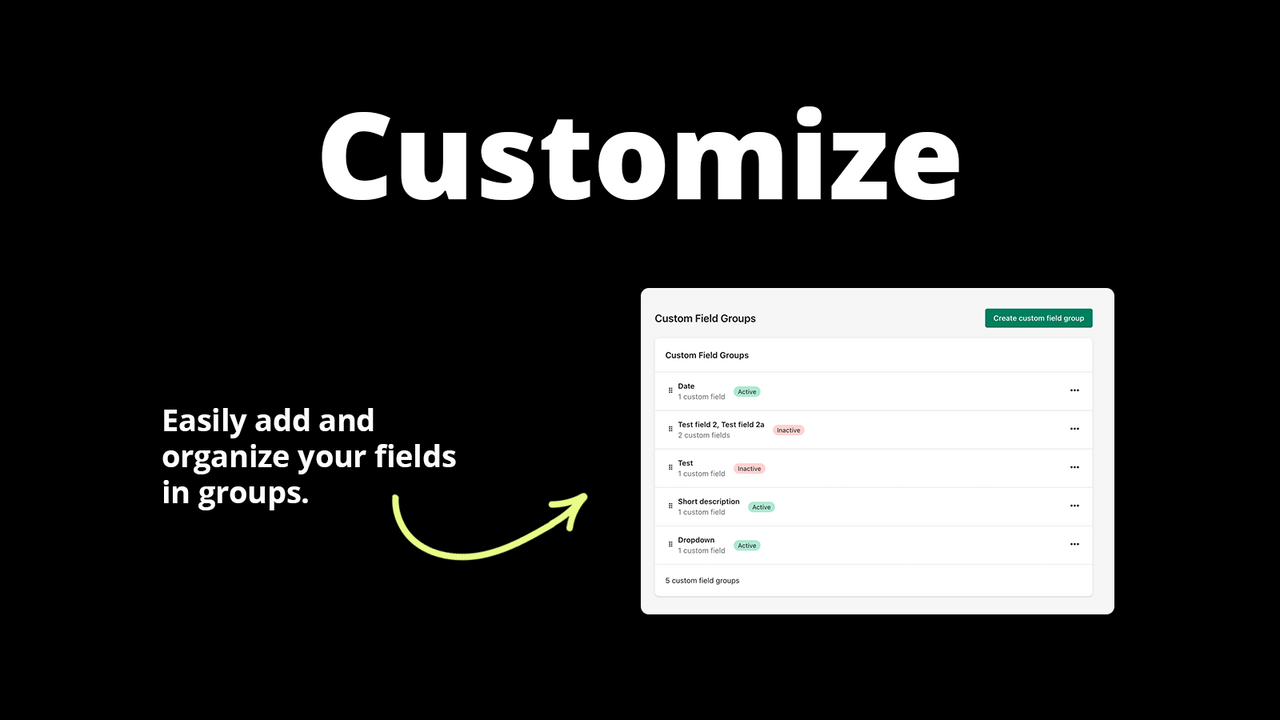


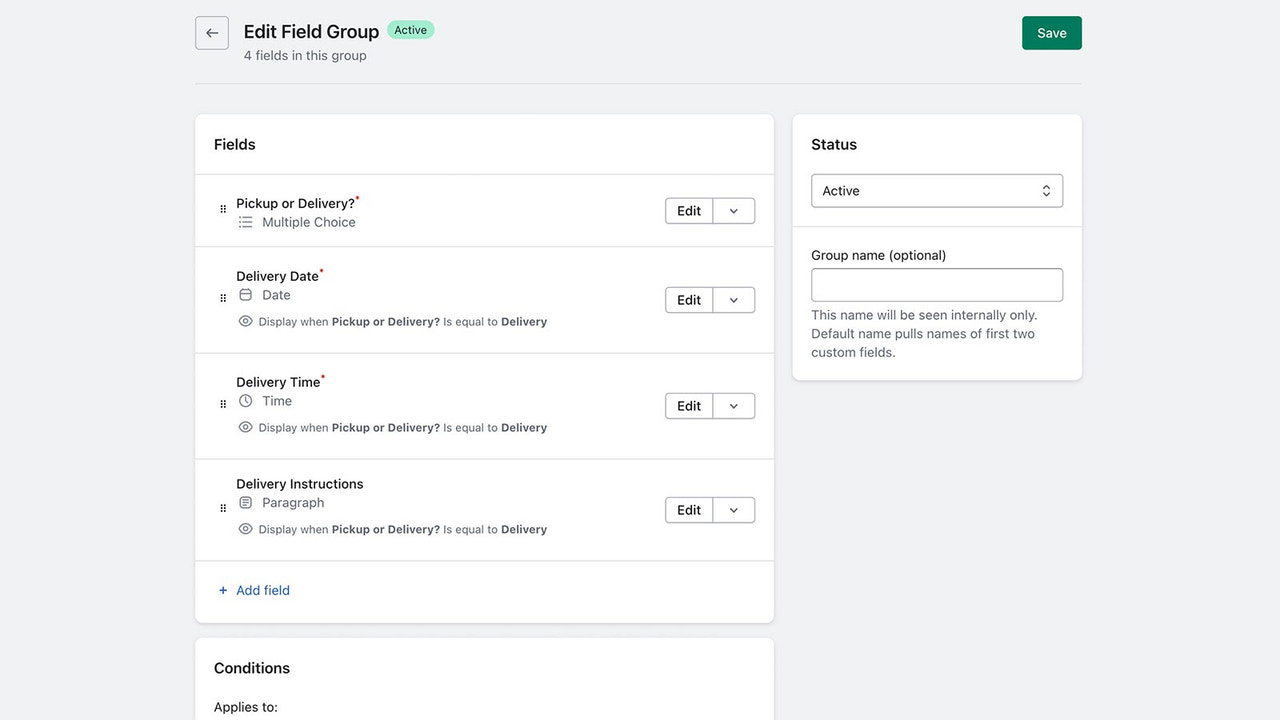


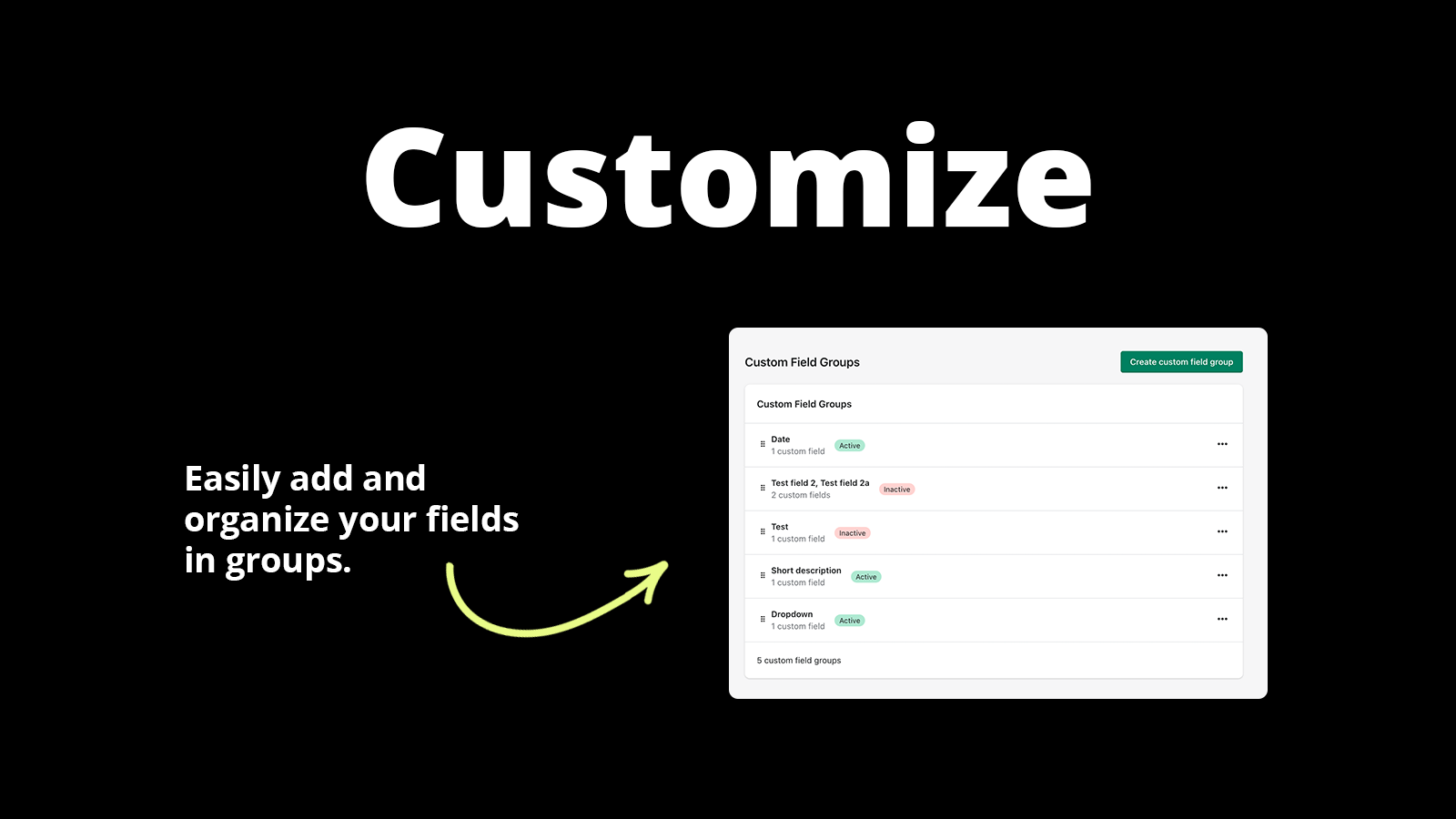

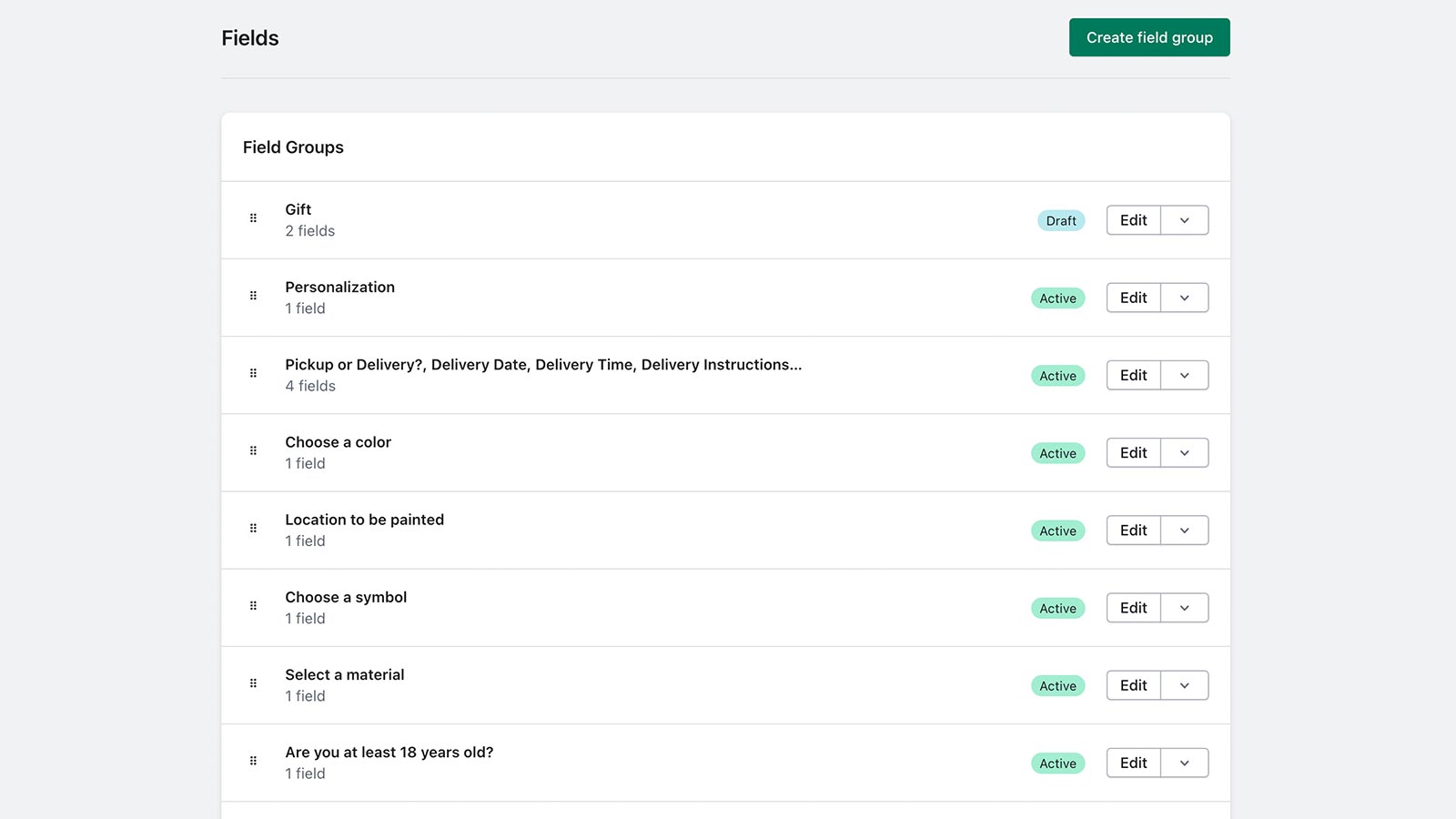
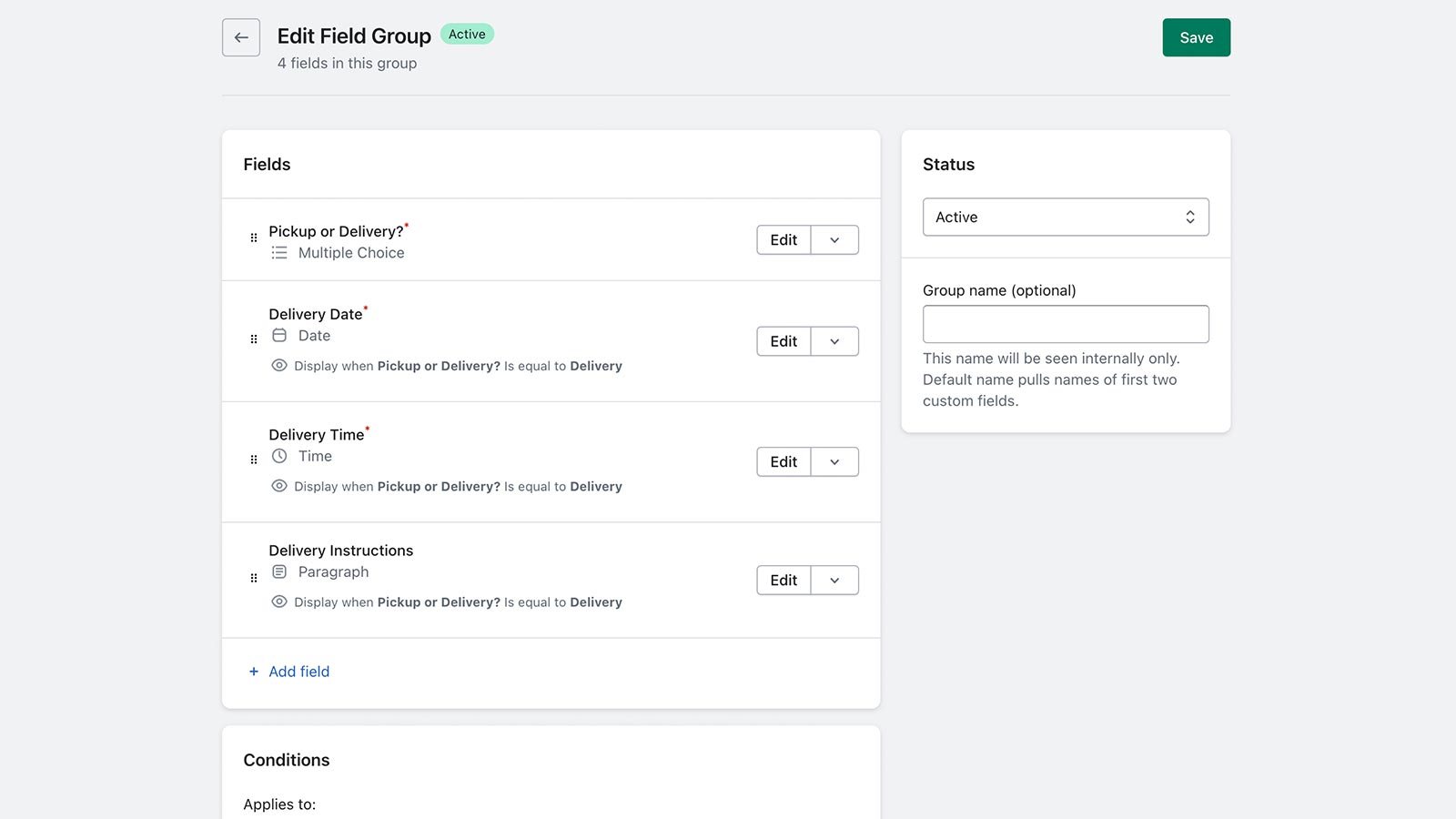


Add custom fields, file uploads, and paid add-ons to any product and the checkout.
Add text boxes, dropdowns, checkboxes, date pickers, and file uploads to products. Let customers add personalization, engraving details, and artwork. Charge for paid add-ons like gift wrap or rush processing. Display fields based on product, variant, or collection. On Shopify Plus, add checkout fields. Export responses to CSV and see answers in order printouts, packing slips, and email notifications. For merchants who need order details Shopify doesn't capture. Friendly human support included.
- Add text boxes, dropdowns, checkboxes, date pickers, and file upload to products
- Collect gift messages, engraving, monograms, and artwork before orders ship
- Charge for paid add-ons like gift wrap, rush processing, and bundled products
- Show or hide fields by product, variant, or collection using conditional logic
- See responses in order printouts, packing slips, and emails, or export to CSV
- Popular with stores like yours
- Based in United States
Languages
English
Works with
- Checkout
- Shopify Admin
Categories
Customization
Pricing
Inventory
File management
Pricing
Starter Plan
$2.99 / month
Features
- Add unlimited fields
- Add text boxes and dropdowns
- Add file uploads and date pickers
- Add multiple choice and checkboxes
- Charge extra for paid add-ons
- Use conditions to show or hide fields
- Make any field required
- Export every answer to CSV
14-day free trial
Growth Plan
$4.99 / month
Features
- For Shopify Plus stores only
- Add fields to your checkout page
- Checkout UI Extension support
- Everything in the Starter Plan
14-day free trial
All charges are billed in USD. Recurring and usage-based charges are billed every 30 days.
Reviews (74)
Amazing service, I have to have the customization on the products I sell. I'm also not great with technology. After I struggled for a few days, they emailed me to check on how it was going. After quickly realizing they needed to come in to help, they got it all set up perfect for me in less than an hour!
Amazing service! They have a customer for years, if not a few decades.
That's what it's all about. Glad we could jump in and get your custom fields dialled in. Decades sounds good to us.
I installed Magical Form Fields to test for a fairly specific use case involving multiple image uploads and a short video upload per order. The app itself is easy to set up, integrates well with Shopify products, and the core functionality for image/document uploads works smoothly.
However, there are a couple of limitations worth noting. Video file types such as .mp4 are not currently supported, which may be restrictive depending on your workflow. A workaround using external links (Drive/Dropbox) was suggested, but it’s not quite as seamless as native uploads.
One important behaviour merchants should be aware of:
files uploaded via the product page are stored in Shopify Content → Files even if the customer never completes checkout, and these files are not automatically cleaned up. While support mentioned they haven’t received abuse reports, this does mean there’s potential for file storage clutter or misuse if someone repeatedly uploads files without ordering.
That said, support was responsive, transparent, and helpful when answering my questions, which I appreciated. Overall, the app is solid for image/document-based workflows, but merchants with more advanced upload requirements or concerns around file storage handling security may want to test carefully first.
We hear ya. Video support is on our radar. Glad the image upload workflow is working well for you. Hopefully we earn that extra star one day.
Jeff from Magical Apps was super helpful in fixing our issues. This app is perfect for our use case, essentially creating an order form using native Shopify product logic. Love it!
Support
App support provided by Magical Apps.
Resources
Developer
Launched
September 28, 2022
Data access
This app needs access to the following data to work on your store. Learn why in the developer's privacy policy .
View customer data:
Device and activity data
-
Device and activity data
Geolocation, IP address, browser and operating system
View staff and contributor data:
Store owner
-
Store owner
Name, email address, phone number, physical address
View and edit store data:
Products, orders, Shopify Functions, Online Store, Shopify admin
-
Edit products
Products, publications of products on sales channels, collections
-
Edit orders
All order history
-
Edit Shopify Functions
Cart transforms
-
View Online Store
Theme
-
Edit Shopify admin
Files
More apps like this



Meets our highest standards for performance, design, and integration. Learn moreOpens in new window

Meets our highest standards for performance, design, and integration. Learn moreOpens in new window

Meets our highest standards for performance, design, and integration. Learn moreOpens in new window